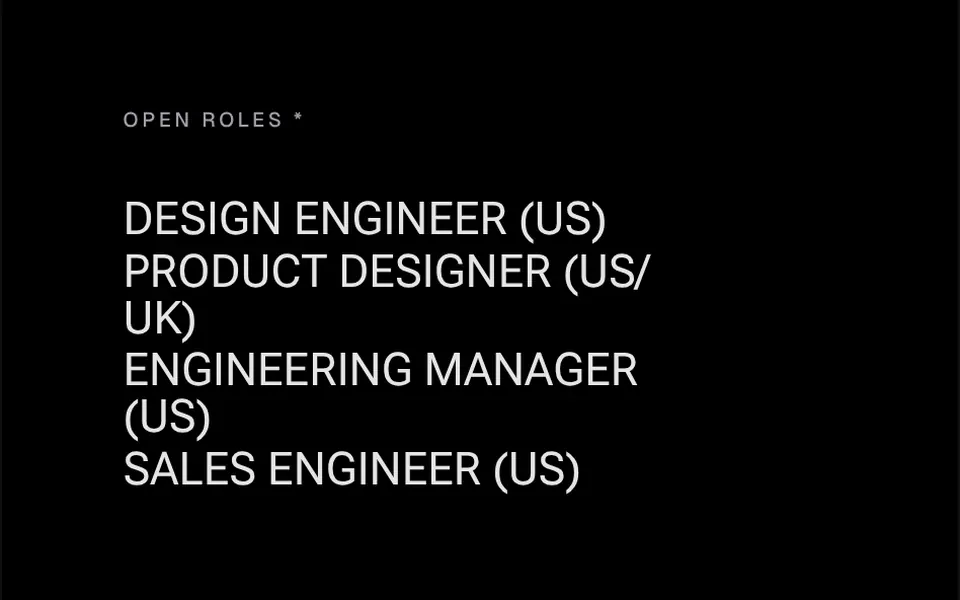
What it looks like
Think of piano keys pressed from left to right. When the mouse enters the heading, the first letter thickens, then the second, three hundredths of a second apart, until the whole word is set in heavy bold. The motion has the softness of a spring. When the mouse leaves, the letters return to their regular weight in the same order. The wave can also start from the last letter or from the middle of the word, and other axes of the variable font, such as width, can join the effect. Color and font come from your project.
You may be looking for this if you asked for something like
- letters that turn bold one by one when I hover
- a heading that gets heavier in a wave on hover
- a job listings page with a typographic hover effect
- a letter by letter variable font effect for my menu
- make my portfolio headings look like a design studio site
- text that changes weight in sequence, like motion typography
Also known as
- variable font hover
- letter stagger animation
- font weight animation
- animated variable font
- staggered letter effect
When to use
- Lists of open roles, services or projects on studio sites
- Section headings in portfolios where typography leads
- Full-screen menus with large items
- Agency pages that use a variable font in their brand
When to avoid
- Projects without a variable font, where the effect does not show
- Touch screens, since the animation depends on hover
- Paragraphs and long text: the effect is meant for short labels
How to ask your AI
Create a letter by letter variable font effect on the services list items: on hover, each letter gains weight in sequence with a spring, using the project's variable font, correct screen reader output and a static version for reduced motion.
With THM Componentes, you paste the full prompt from the catalog together with this component's code, and the AI reproduces this exact effect instead of improvising.
Questions about Arpejo
Do I need a special font for Arpejo?
Yes. Arpejo animates font variation settings, so it needs a variable font, such as the Roboto Flex used in the demo. With a regular font, the letters do not change. Weight goes from 400 to 900 by default, and you can swap or add other axes the font supports, such as width.
Do screen readers read the word split into letters?
No. Arpejo keeps the full text in a copy visible only to screen readers and hides the animated letters from them, so the word is read as a whole. The animation depends on the mouse, and the THM Componentes prompt asks your AI for a static version for people who prefer reduced motion.
Can I change the order of the letter wave?
Yes. Arpejo lets the sequence start at the first letter, the last one, the center or a chosen position, and the delay between letters is adjustable. With a zero delay, the whole word changes weight at once, as in one of the demo lines.