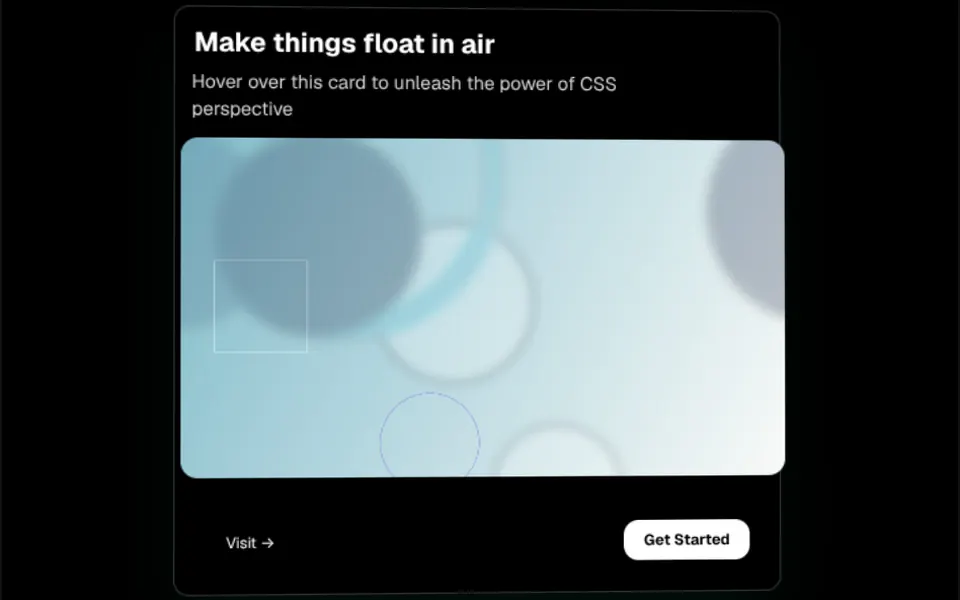
What it looks like
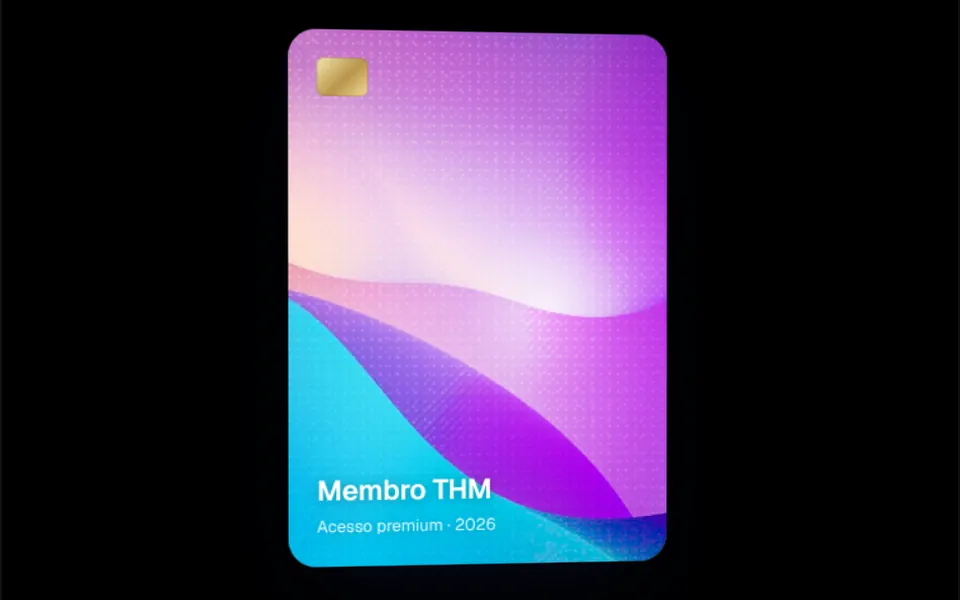
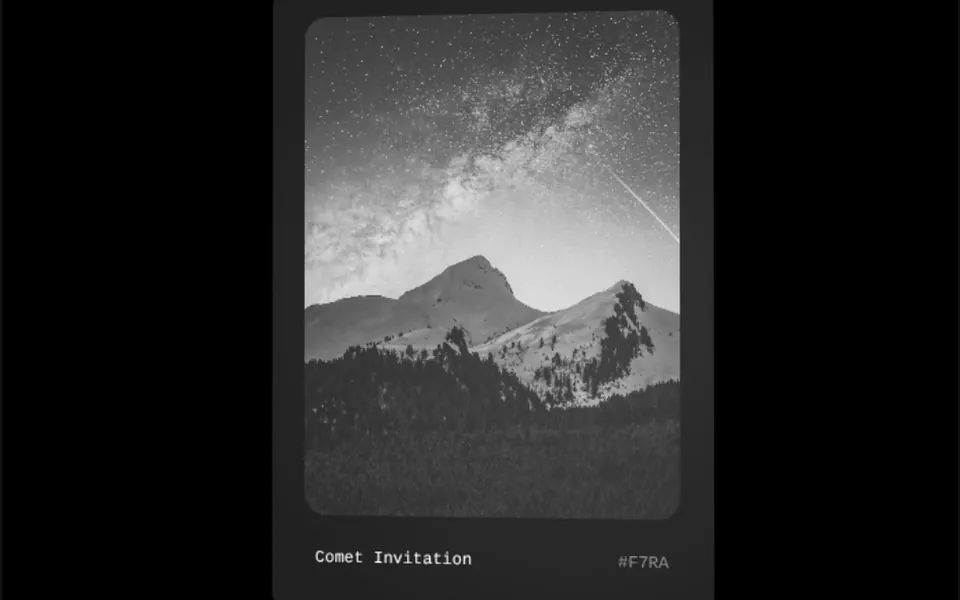
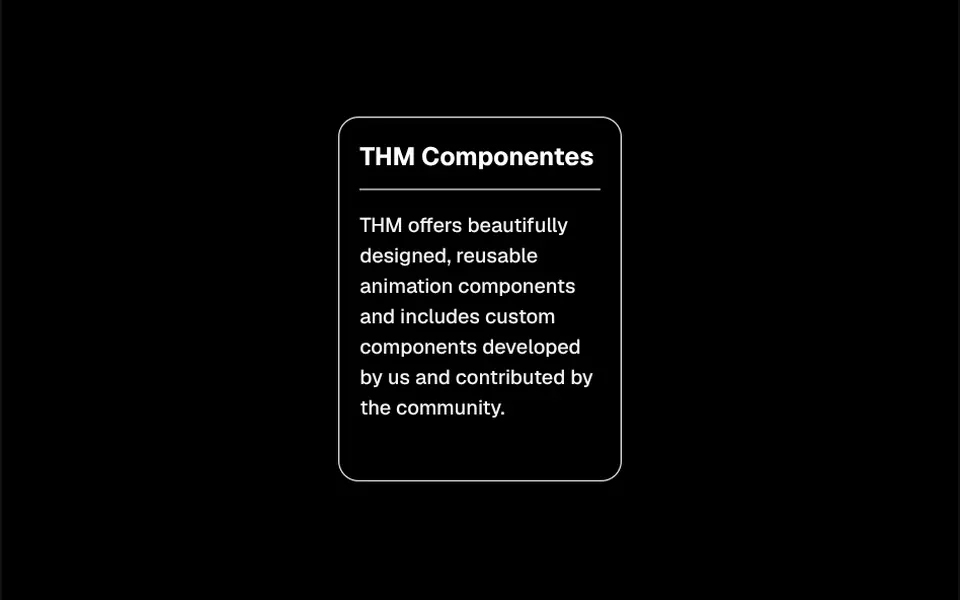
The card sits still, facing you, until the mouse enters. From then on it tilts slightly with the cursor position, like a board balanced on a center point, and each element inside lifts off the surface toward the viewer at different heights: in the demo, the image comes out the most, the description and title a little less and the buttons barely at all. It feels like layers floating over the card. When the mouse leaves, everything settles back flat with a smooth transition. In the demo, the card is very light gray in light mode and black in dark mode.
You may be looking for this if you asked for something like
- a card that moves in 3D when I hover over it
- elements that pop out of the card like they are floating
- a depth effect on my product card, like layers
- how do I make a card tilt with the cursor on my pricing page
- make my pricing cards look premium without heavy 3D
- image popping out of the card on hover
Also known as
- 3D card
- tilt card
- perspective card
- parallax card
- 3D hover effect
- layered depth card
When to use
- A featured product or pricing card on a landing page
- A showcase of case studies or portfolio projects
- A launch callout with an image and a button
- Feature sections with a few large cards
When to avoid
- Audiences that browse almost only on phones, with no hover to show the effect
- Grids with many cards side by side, where everything tilting becomes noise
How to ask your AI
Create a 3D perspective card for the featured plan on my pricing page: it tilts with the mouse and lifts the image, title and button to different depths, settles flat when the mouse leaves, with a static version for reduced motion and a layout that works without hover on phones.
With THM Componentes, you paste the full prompt from the catalog together with this component's code, and the AI reproduces this exact effect instead of improvising.
Questions about Camafeu
Does Camafeu work on phones?
Not in the same way. Camafeu reacts to mouse events, entering, moving and leaving, and touch screens have no hover to follow. The card stays readable and clickable, just without the tilt. If the effect matters on mobile, ask your AI for an alternative, such as lifting the layers when the card scrolls into view.
How do I choose how far each element lifts in Camafeu?
Each CardItem in Camafeu takes translateZ, which sets how far it moves toward the viewer, plus X and Y offsets and rotations on all three axes. In the demo, the image lifts 100 px, the description 60, the title 50 and the buttons 20. Inside a plain div, add transform-style preserve-3d so the depth works.
Does Camafeu respect reduced motion settings?
The original component always tilts and lifts its layers on hover. The THM Componentes prompt asks your AI for a static version for people who turn on reduced motion, which is simple with Camafeu: keep the card flat and the layers in place, with no rotation.