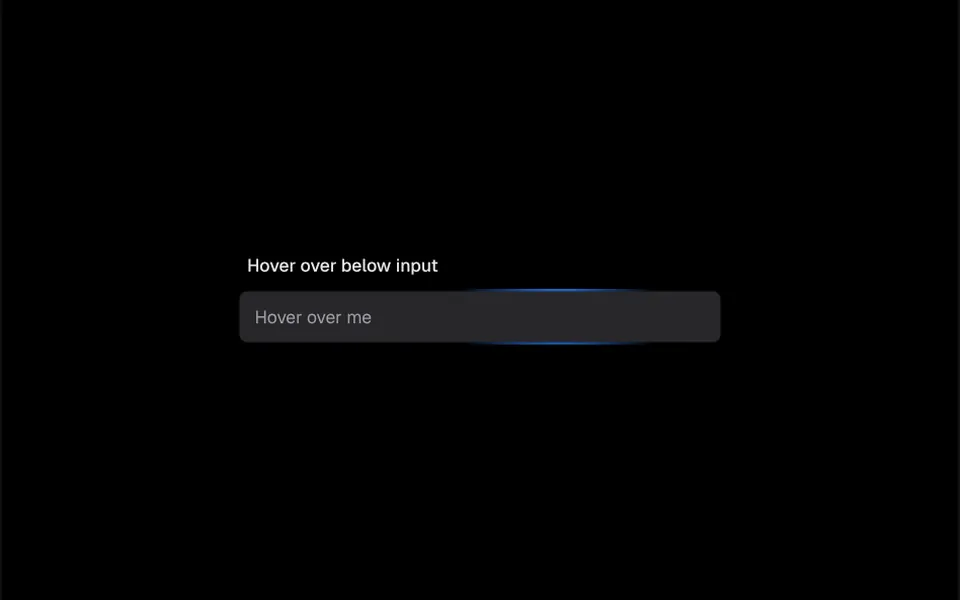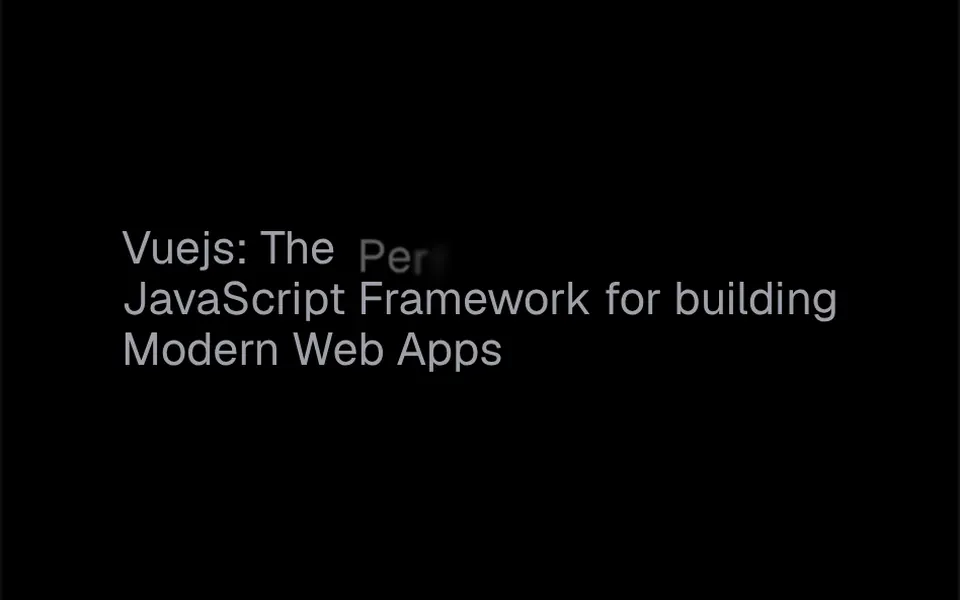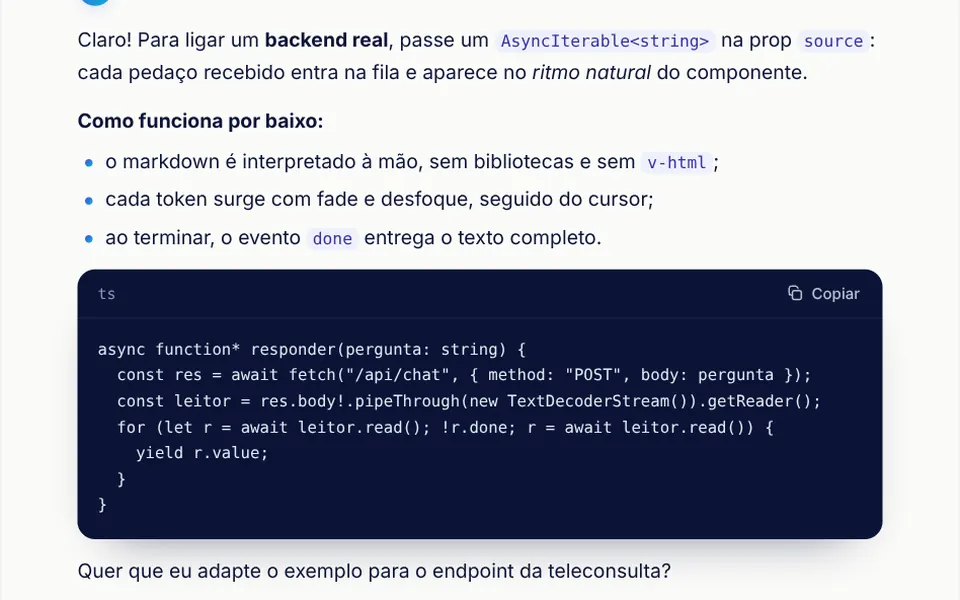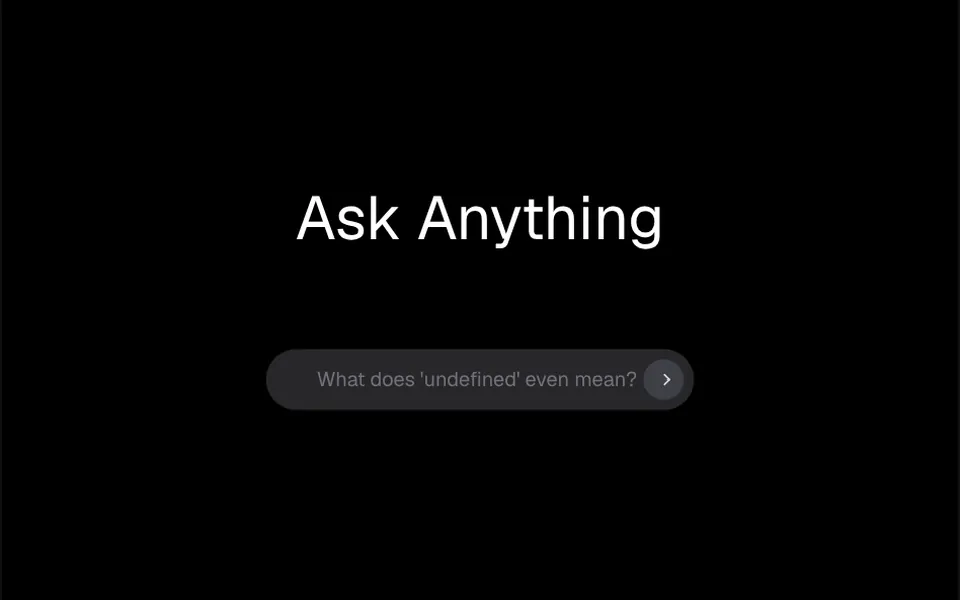
What it looks like
Picture a pill-shaped search bar, white in light mode and graphite in dark mode, with a round dark button at the right end. Inside it, a sample phrase slides up and fades every three seconds, making room for the next one. While the field is empty the button looks disabled; once you type, its arrow completes itself. When the person submits, the letters turn into tiny dots that jitter, shrink and disappear, sweeping from the end of the text to the start, like sand blown by the wind. Then the field is clear and ready for the next question.
You may be looking for this if you asked for something like
- a question box like the ones in AI chat apps, with rotating suggestions
- text that turns to dust when I hit send
- a placeholder that changes by itself with sample questions
- a nice search bar for the homepage of my AI app
- a text disintegration effect when the message is sent
- a newsletter field where the email vanishes after submitting
- a rounded input with example phrases sliding up
Also known as
- text-to-particles input
- animated placeholder
- rotating placeholder
- text disintegration effect
- AI search input
- dissolving text field
When to use
- A question box on the homepage of an AI product
- The main search of a help center, with examples of what to ask
- Newsletter or waitlist sign-up with a single field
- Landing pages where the field is the section's main call to action
When to avoid
- Forms with several fields or complex validation: this is a single field with submit
- Pages where another field should get focus, since this one focuses itself on load
How to ask your AI
Create a question input with rotating placeholders and a text-vanish particle effect on submit for my AI app homepage. Use my brand colors, render it client-side only in Nuxt and offer a no-animation version for people who prefer reduced motion.
With THM Componentes, you paste the full prompt from the catalog together with this component's code, and the AI reproduces this exact effect instead of improvising.
Questions about Apagador
How do I get the text sent from Apagador?
Apagador emits a submit event with the typed text when the person presses Enter or clicks the button, and it also works with v-model. Listen to that event to send the question to your AI or save the email; the field clears itself after the animation.
Does Apagador work in Nuxt with SSR?
Yes, with one caveat: the dust effect in Apagador uses Canvas and only runs in the browser. The THM Componentes prompt tells your AI to load the component on demand and, in Nuxt, to wrap it in ClientOnly with a static fallback.
Does Apagador respect reduced motion settings?
The original component always animates the hints and the text. The THM Componentes prompt asks your AI for a static version for people who turn on reduced motion; for Apagador, that means swapping hints without sliding and clearing the field without the dust effect.