What it looks like
It resembles the message box of well-known AI assistants: a white rectangle with generous rounded corners and a soft shadow that gains an indigo outline on focus. The text grows up to eight lines before scrolling. Along the bottom sit paperclip, commands and mic buttons, with a round send button on the right. Attachments appear as chips above the text, with thumbnails for images. Typing a slash opens a menu right next to the word; while recording, indigo and cyan gradient bars draw the voice next to a timer. During a reply, the arrow becomes a stop square with a spinning ring.
You may be looking for this if you asked for something like
- a ChatGPT-like message box with an attach button
- a chat input that grows as people type
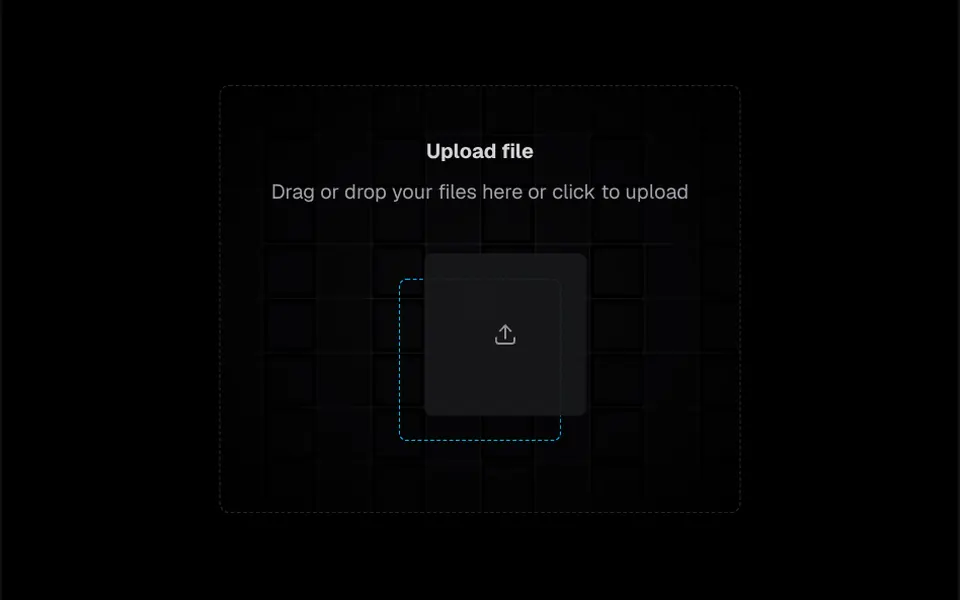
- drag files into the chat and see a thumbnail
- a command menu that pops up when I type a slash
- a mic button that shows the voice wave while recording
- a send button that turns into stop while the AI answers
- a ready prompt input for my AI app
Also known as
- prompt input
- chat composer
- message input
- prompt box
- slash commands
- chat input bar
- AI input
When to use
- AI chats for clinical teams, triage and customer support
- Internal copilots where people attach spreadsheets, PDFs and images
- Conversational products with slash command shortcuts
- Apps where speaking is faster than typing, with audio recording
When to avoid
- Simple contact forms, where a regular text field is enough
- Expecting ready transcription: the mic delivers recorded audio, and speech to text stays with your backend
- English interfaces as is, since hints, errors and sample commands are in Portuguese
How to ask your AI
Create a prompt box for my product's AI chat: a field that grows up to eight lines, attachments by drag, paste or picker with size limits, slash commands, a mic with a live waveform and a send button that turns into stop, all usable with a keyboard and screen reader.
With THM Componentes, you paste the full prompt from the catalog, which already includes this component's source code, and the AI reproduces this exact effect instead of improvising.
Questions about Mote
Does Mote's mic transcribe speech?
No. Mote records audio with browser permission, shows a live waveform and hands over the audio file and duration in the record-stop event, so you can send it to a transcription service. Without permission or outside HTTPS, the wave becomes a simulated preview and a note explains why.
Which files does Mote accept?
By default Mote accepts images, PDF, TXT, CSV, Markdown, Word and Excel files, up to 8 attachments of at most 20 MB each. Files can be dragged, pasted or picked, and images get a thumbnail. Types and limits change through the accept, maxFiles and maxSizeMb props.
Does Mote work with a keyboard and screen readers?
Yes. In Mote, Enter sends, Shift+Enter adds a line break and a slash opens the command menu, which you move through with the arrow keys and confirm with Enter or Tab. The menu follows the listbox pattern, and attachments, errors and sends are announced to screen readers.