What it looks like
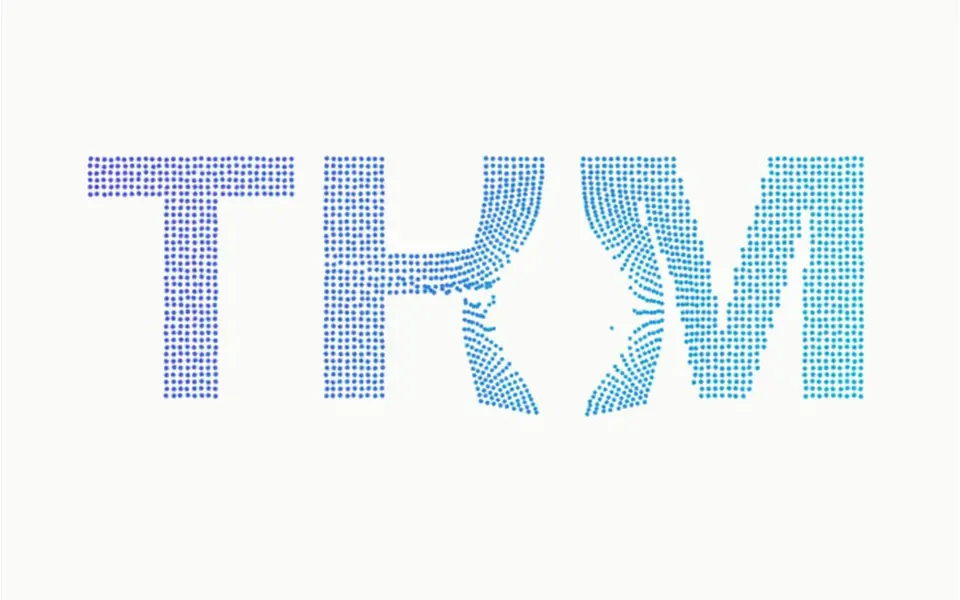
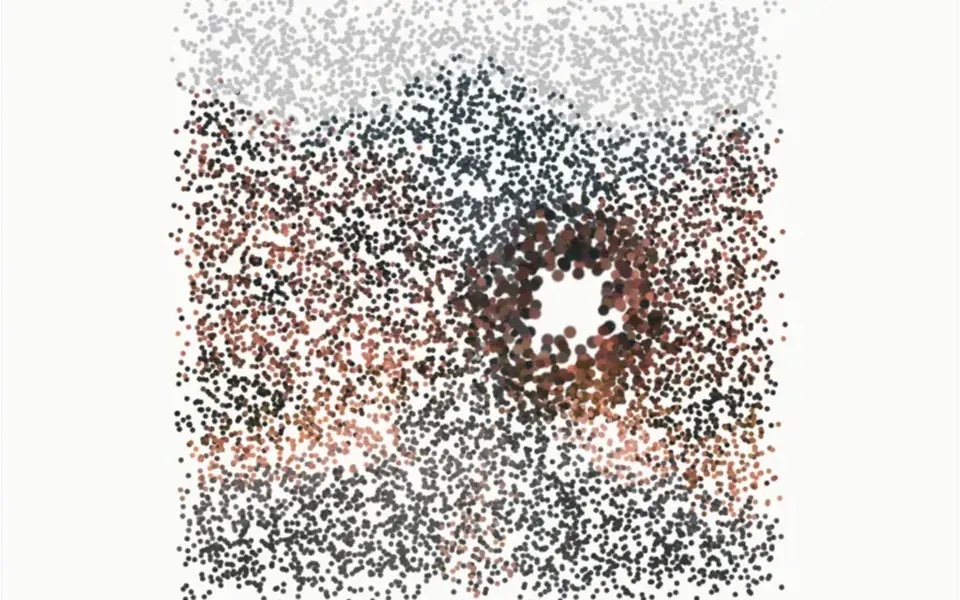
Picture a cloud of colored dust following a conductor. About 24,000 tiny dots form a slowly turning sphere; after a few seconds they let go a little at a time, swirl midway and land as a ring, then a cube and finally the letters of your chosen text. Colors run from indigo to cyan depending on position, with a few navy dots, over an off-white background. Moving the mouse tilts the shape slightly. A pill at the bottom lists the four shapes and marks the current one.
You may be looking for this if you asked for something like
- particles that form my brand name
- dots that change shape from a ball to a cube to text
- that dust effect that turns into a logo, for the site opener
- a hero with thousands of points transforming on their own
- a particle animation that changes when I click
- something futuristic for the first slide of a product demo
Also known as
- particles forming shapes
- particle morphing
- particle cloud
- point cloud morph
- particles to text
- shape morphing particles
When to use
- A brand hero that should end the animation on the brand name
- Presentation, event or launch openers
- Tech product pages with a strong visual signature
- Welcome screens for an app or dashboard
When to avoid
- Weak phones, unless you lower the particle count
- Text-heavy sections, where constant motion distracts
- Pages that already run another heavy WebGL effect
How to ask your AI
Create a Three.js particle cloud in the hero that morphs between a sphere, a ring, a cube and my brand name, with smooth transitions and shape changes on click or keyboard. Use my brand colors, pause it off screen and show the text at rest for people who prefer reduced motion.
With THM Componentes, you paste the full prompt from the catalog, which already includes this component's source code, and the AI reproduces this exact effect instead of improvising.
Questions about Batuta
Can I put my brand name in Batuta?
Yes. The text prop in Batuta sets the fourth shape: the component draws up to 8 characters in a bold font on a canvas and spreads the particles over the letters. Short names are easier to read; colors, dot size, the interval between shapes and the particle count are props too.
Does Batuta work with a keyboard and screen readers?
Yes. Batuta behaves like a button: it takes focus, Enter or Space moves to the next shape, and a polite live region announces the current one. A tap on a phone also changes the shape. Its labels are written in Portuguese, so ask your AI to translate them for an English site.
Does Batuta respect reduced motion settings?
Yes. When the reduced motion preference is on, Batuta opens straight on the text, with no automatic cycle, no rotation and no cursor tilt. Click, Enter or Space still change the shape, but instantly, without the animated transition.