What it looks like
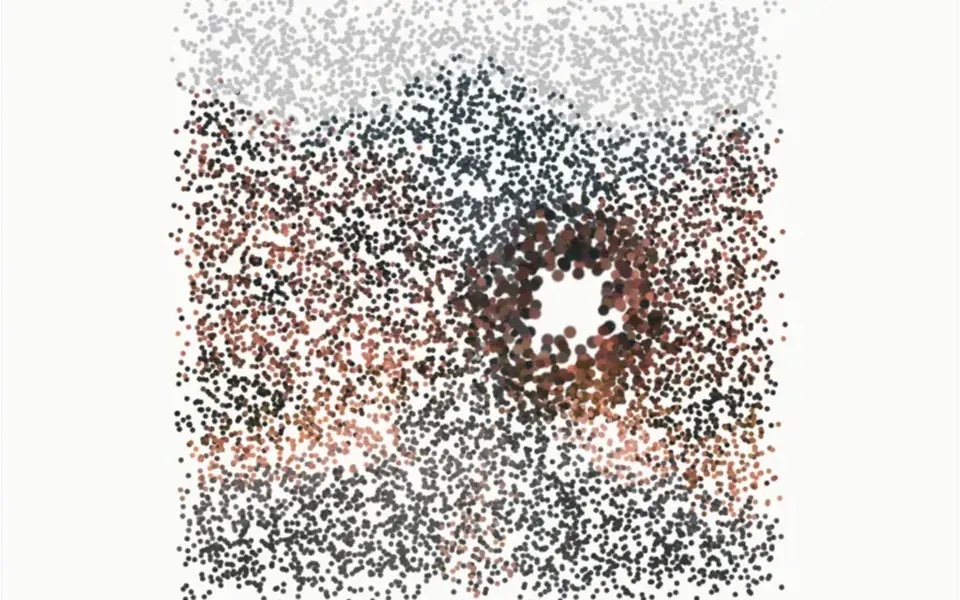
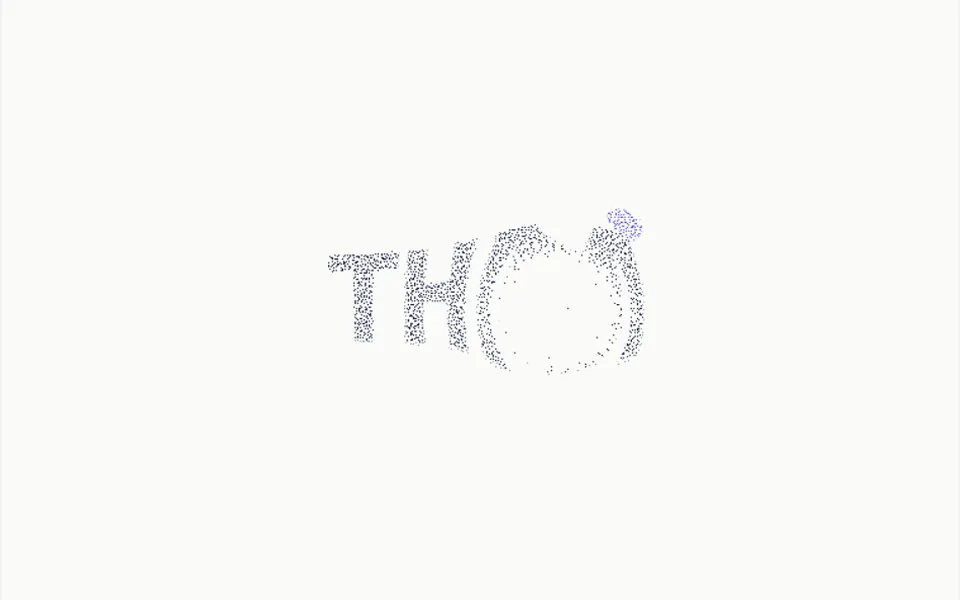
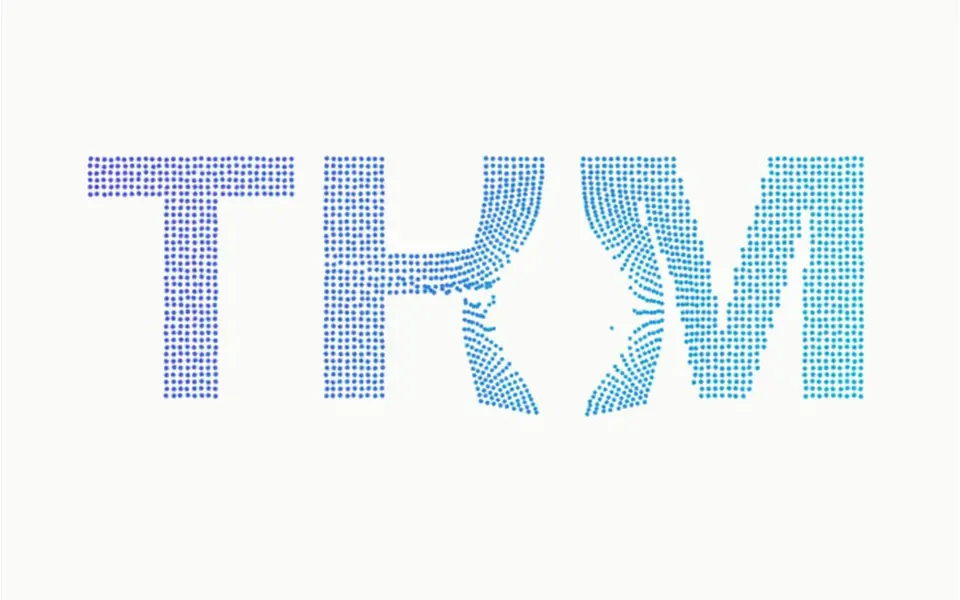
It looks like a word written in colored sand. On load, thousands of tiny dots fly in from every side and settle into the text, large and centered, in a gradient from indigo on the left to cyan on the right, over an off-white background. At rest the drawing breathes slightly, with the dots trembling just a little. When the mouse passes, a gap opens around the cursor: particles flee, get dragged along with the gesture, turn more cyan and smaller, and as soon as the cursor moves away they return with a light springy wobble.
You may be looking for this if you asked for something like
- text made of tiny dots that scatter when I move the mouse
- my brand name in particles that run from the cursor and come back
- a word that crumbles into sand on hover and rebuilds itself
- that dusty letters effect that reacts to the cursor at the top of the site
- an event name formed by particles flying in
- an interactive headline for the site opener that stands out without 3D
- text with a particle effect in a blue to cyan gradient
Also known as
- text made of dots
- letters that scatter on hover
- particle typography
- dotted text effect
- cursor repulsion effect
- text to particles
When to use
- A brand hero with the name or a short word front and center
- An event, conference or launch opener
- The main callout of a portfolio or creative studio
- A tech product page that wants interaction without WebGL
When to avoid
- Long phrases, which turn into tiny dots and lose legibility
- Text that people need to select or copy
- Sections with lots of content on top, which hides the effect
How to ask your AI
Create a headline made of particles with Canvas 2D in the hero: the text becomes thousands of dots in a gradient of my brand colors that flee the cursor and spring back, pausing off screen, static for reduced motion and with the text as an accessible label.
With THM Componentes, you paste the full prompt from the catalog, which already includes this component's source code, and the AI reproduces this exact effect instead of improvising.
Questions about Miçanga
Does Miçanga work on phones?
Yes, because it uses Canvas 2D, which every current browser supports. Without a cursor, Miçanga shows the initial assembly and the gentle breathing of the drawing, but the scattering depends on a mouse. It is rated Medium in THM Componentes, and in Nuxt the prompt tells your AI to use ClientOnly with a static fallback.
Does Miçanga respect reduced motion settings?
Yes. With reduced motion turned on, Miçanga draws the particles straight in their final position, with no fly-in, no breathing and no cursor reaction. The text appears still, made of dots in the same gradient, and keeps its accessible label for screen readers.
Can I change the text and colors in Miçanga?
Yes. In Miçanga you can change the text, including multiple lines, both gradient colors, the background and the font, plus the dot density, the cursor radius and the spring stiffness. The letters resize to fit the area on their own. It works with text only; for an image logo, Arquibancada is the better fit.