What it looks like
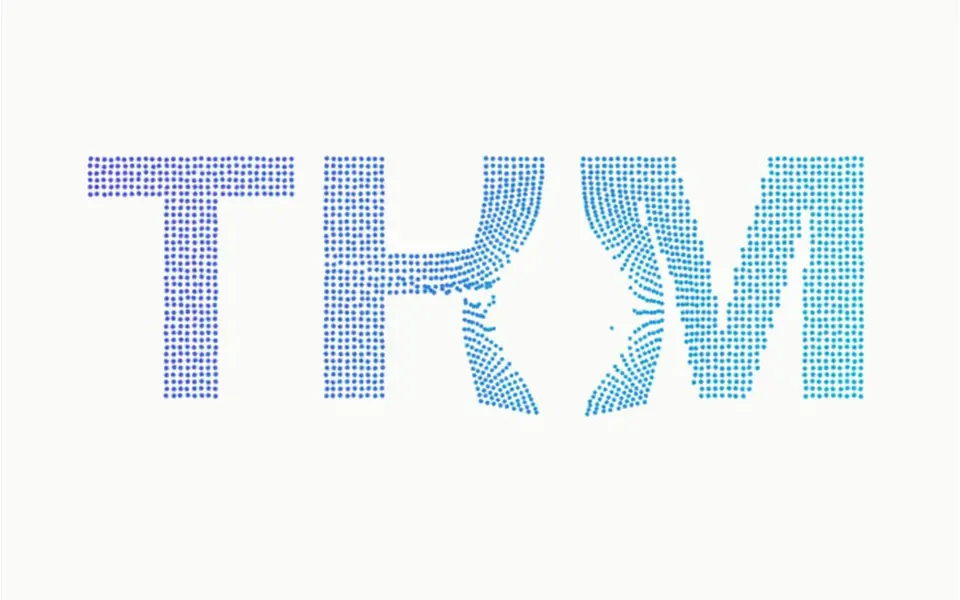
It looks like a pane of glass with painted letters that breaks and then, like a video played backwards, mends itself. On an off-white background, a large navy word catches a soft light from above that tints the top of the letters toward indigo, and casts a diffuse shadow. A click breaks the text into hundreds of triangles that fly out from the point you hit, spinning and glinting in indigo and cyan, drop a little and get pulled back by a spring until the word closes up. Moving the cursor fast cracks the letters along its path, and after about five seconds without interaction the headline shatters by itself.
You may be looking for this if you asked for something like
- text that breaks into pieces when I click and then rebuilds itself
- a headline that shatters like glass when I hover
- letters exploding into shards for a campaign page
- that effect where a word falls apart and comes back on its own
- a case study opener with the title breaking apart for impact
- brand manifesto typography that cracks and reassembles
- a landing page headline that breaks when you tap it
Also known as
- broken glass text
- shattered text effect
- glass shatter text
- text explosion effect
- breaking text animation
- text fragmentation
When to use
- A campaign headline that needs a moment of impact
- A case study or portfolio opener built around one concept word
- A brand manifesto about disruption or change
- A landing page callout that invites people to interact
When to avoid
- Pages that already run another WebGL effect, where two heavy effects compete for the GPU
- Long or informational text: the component takes up to three short lines
- Sober or institutional brands, where the breaking feels aggressive
How to ask your AI
Create a shattered text headline with Three.js: the word breaks into triangular shards on click, tap or Enter, and a spring puts it back together; I want it to pause off screen, lower quality on slow devices, stay still for reduced motion and be focusable by keyboard.
With THM Componentes, you paste the full prompt from the catalog, which already includes this component's source code, and the AI reproduces this exact effect instead of improvising.
Questions about Vitral
Does Vitral work on phones?
Yes. On phones, a tap on Vitral shatters the headline at the point touched, and a horizontal swipe cracks the letters along the way without blocking vertical page scrolling. If the frame rate drops, it lowers the resolution and turns off the shadow by itself. Because it is rated Heavy in THM Componentes, the prompt tells your AI to load it on demand in Nuxt.
Is Vitral keyboard accessible?
Yes. Vitral works like a button: it takes focus with Tab, shows a focus outline and shatters with Enter or Space. Screen readers hear the headline text followed by an instruction written in the component, which you can adapt to your language. The WebGL scene itself is hidden from assistive technology.
Does Vitral respect reduced motion settings?
Yes. With reduced motion turned on, Vitral does not break apart: clicks, cursor moves, the keyboard and the automatic trigger no longer shatter the text, which stays whole and still with the same light and shadow. When everything is assembled and at rest, the component also stops drawing until the next interaction.