What it looks like
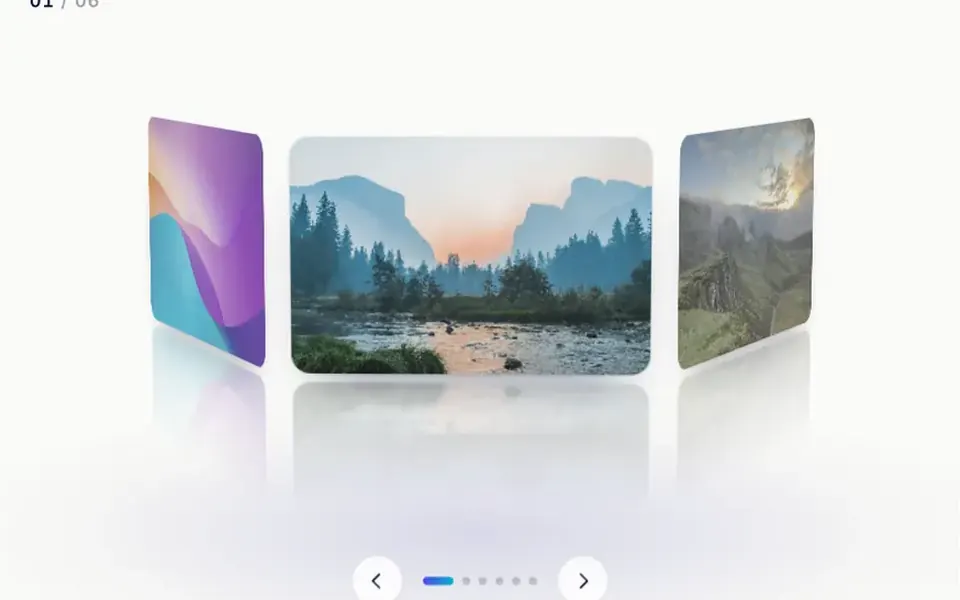
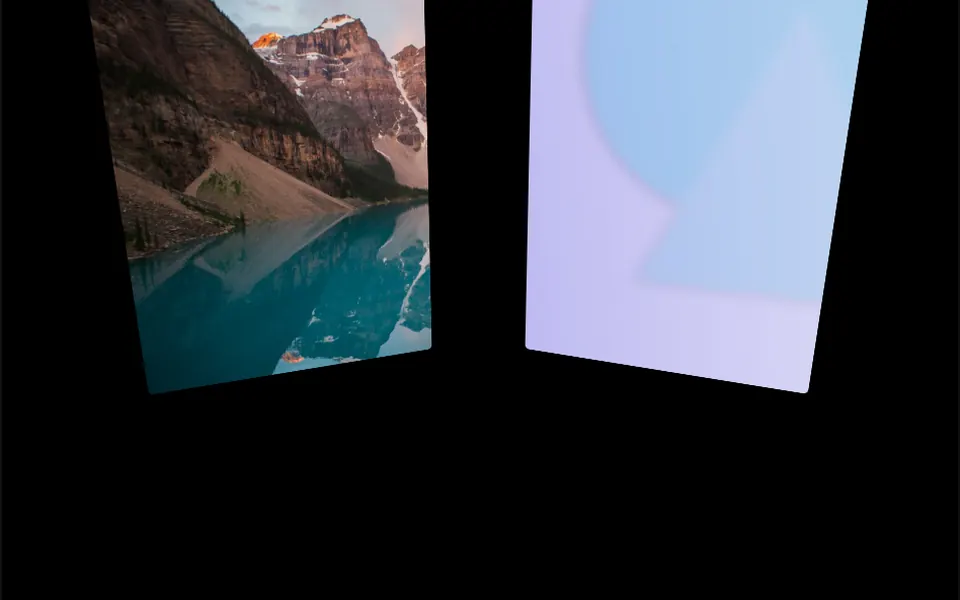
Picture photos stuck to the top of a giant wheel, seen from the front. The middle one stands straight and highest; the ones on the sides drop and lean along the curve, which the bend prop makes sharper or flatter. Each photo has rounded corners and can carry a title underneath, white by default. The images ripple slightly all the time. When you drag or turn the mouse wheel, the row glides smoothly, the ripple grows and, once it stops, the closest photo snaps to the center. The background is transparent and the list repeats endlessly.
You may be looking for this if you asked for something like
- a curved photo gallery that slides when I drag it
- an arched image carousel for my portfolio
- photos in a row that move with the mouse wheel and snap to the center
- a project showcase with a curved 3D effect
- an infinite image gallery that ripples as it moves
- a way to show agency case studies that is not a regular slider
Also known as
- curved gallery
- curved photo strip
- arched image carousel
- 3D image carousel
- WebGL image gallery
- infinite image carousel
When to use
- Photographer, designer or studio portfolios
- Agency project or case study showcases
- Collection highlights for fashion or home decor stores
- Event pages with photos from past editions
When to avoid
- Long pages: the gallery listens to the mouse wheel and drags across the whole window
- Content where each image needs a link or alt text
- Pages that already run another heavy WebGL effect
How to ask your AI
Create a curved WebGL image gallery for my portfolio: photos on an arc that loop with drag, touch or mouse wheel and snap to the center. Make it react only when the cursor is over the gallery, pause it when off screen and add a static version for reduced motion.
With THM Componentes, you paste the full prompt from the catalog together with this component's code, and the AI reproduces this exact effect instead of improvising.
Questions about Arcada
Will Arcada interfere with page scrolling?
It can. In the original code, Arcada listens to the mouse wheel, drags and touches on the whole window, so scrolling anywhere on the page also moves the gallery, always in the same direction. On long pages, ask your AI to limit those events to the component area.
Can I use my own photos in Arcada?
Yes. Arcada takes a list of items with an image and a text, and each photo is cropped to fill its card. Since they become WebGL textures, images must come from the same domain or a server with CORS enabled; curvature, corners, title color and font are props too.
Does Arcada respect reduced motion settings?
The original component does not handle that preference and keeps a slight ripple on the photos at all times. The THM Componentes prompt asks your AI for a static version for people who reduce motion and for the animation to pause off screen, since Arcada redraws the scene every frame.