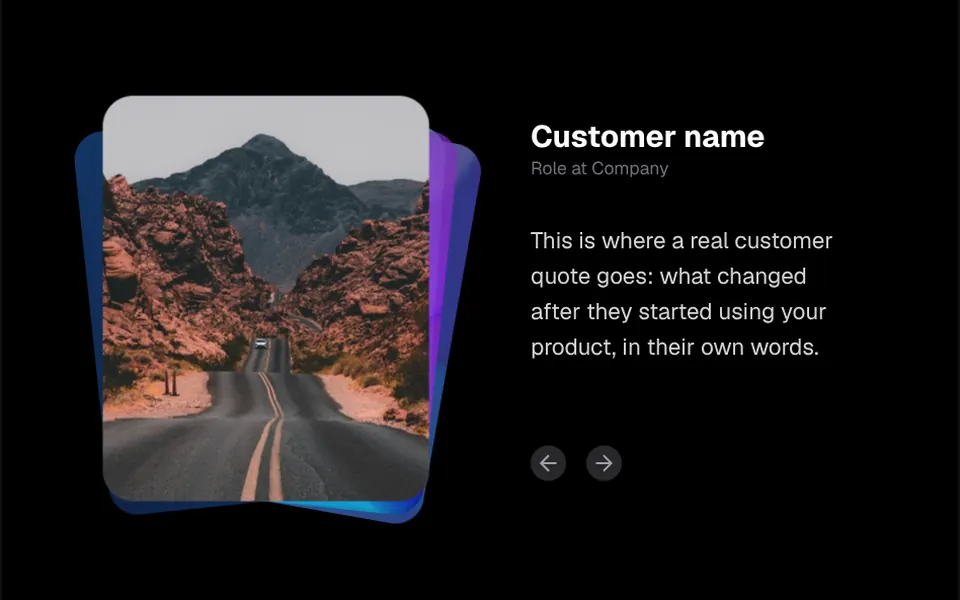
What it looks like
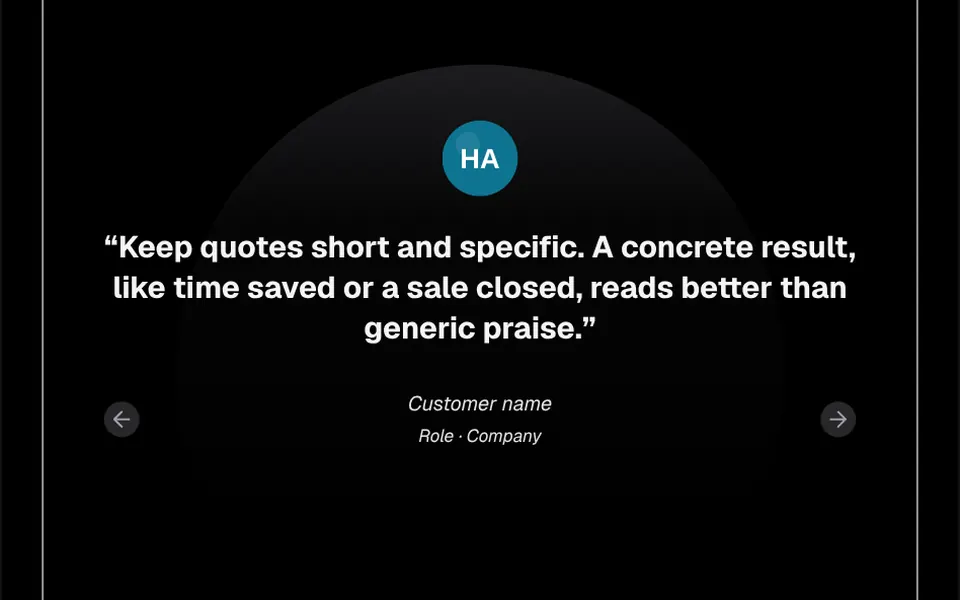
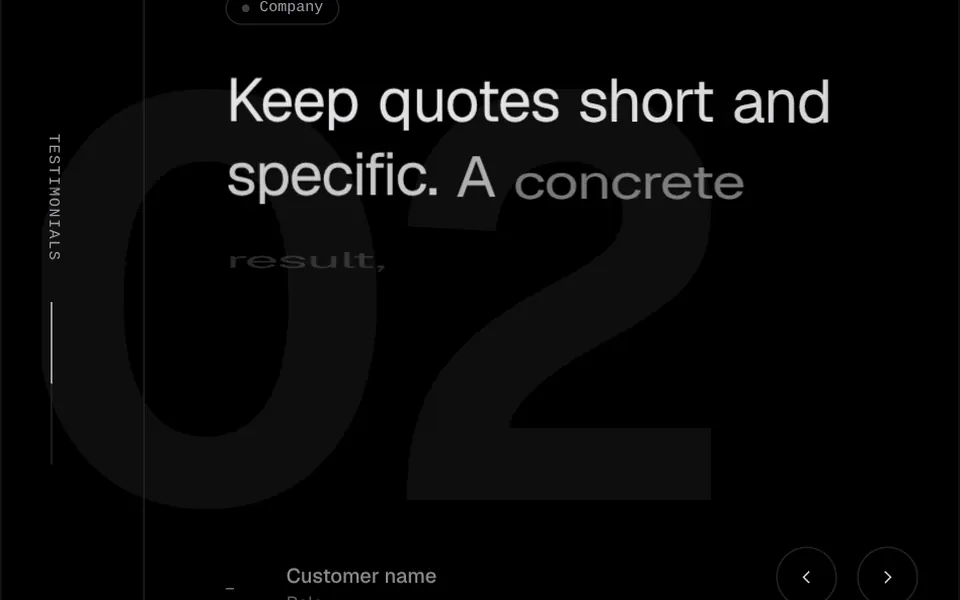
It looks like a pile of printed photos on a table. On the left, portraits with very rounded corners sit one behind another, slightly turned and faded; the current one comes to the front, straightens and hops up a little before settling. On the right appear the name in bold, the role in gray and the quote, whose words show up one by one out of a blur. Below, two round arrow buttons go forward or back, and autoplay can be turned on, with a 5 second default interval. On phones the columns stack, and dark mode switches the text colors.
You may be looking for this if you asked for something like
- customer testimonials with photos that switch with an animation
- a social proof section with the person's photo and their quote
- stacked photos that come to the front one at a time
- testimonial text that appears word by word
- show what clients say about my service on the landing page
- a testimonial carousel with arrows and autoplay
- make the testimonials section look professional
Also known as
- photo stack testimonials
- testimonial carousel
- testimonial section
- customer quotes
- social proof
- review slider
When to use
- Service landing pages that already have approved customer testimonials
- Consulting, clinic or agency pages where a client's face builds trust
- Social proof sections right before a contact or buy button
When to avoid
- Sites without real, approved testimonials, since sample texts must never pass as customer quotes
- Long testimonials, since every word animates on its own and the block reads slowly
- Clients without photos, since the look depends on the stacked portraits
How to ask your AI
Build a section with my customers' real testimonials: stacked, tilted photos that swap places, the quote appearing word by word, labeled accessible arrow buttons, optional autoplay, my theme colors and a static version for reduced motion.
With THM Componentes, you paste the full prompt from the catalog together with this component's code, and the AI reproduces this exact effect instead of improvising.
Questions about Causo
What content should go into Causo?
Use only real testimonials, with permission from the people quoted: in Causo, each item takes the quote, name, role and photo. Short, concrete quotes work well, since every word animates in. The demo texts are neutral placeholders and should never go live as if they came from customers.
Does Causo work in Nuxt with SSR?
Yes, with one caveat: Causo picks random tilts for the photos on every render, which differ between server and browser, so the catalog demo wraps it in ClientOnly and you should do the same. The code uses NuxtImg and the Nuxt Icon component; in a Vue project without Nuxt, ask your AI to swap them for img and an SVG icon.
Is Causo accessible?
Partly. In Causo, the arrows are native buttons that take keyboard focus, but they have no screen reader label, and testimonial changes are not announced. There is no reduced motion version either. The THM Componentes prompt asks your AI for a static version for reduced motion; ask for arrow labels at the same time.