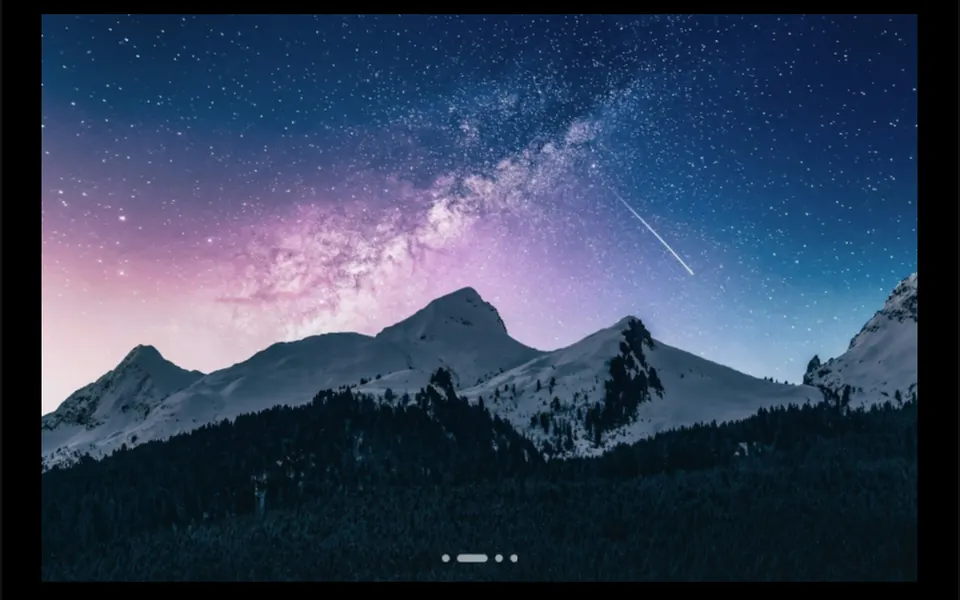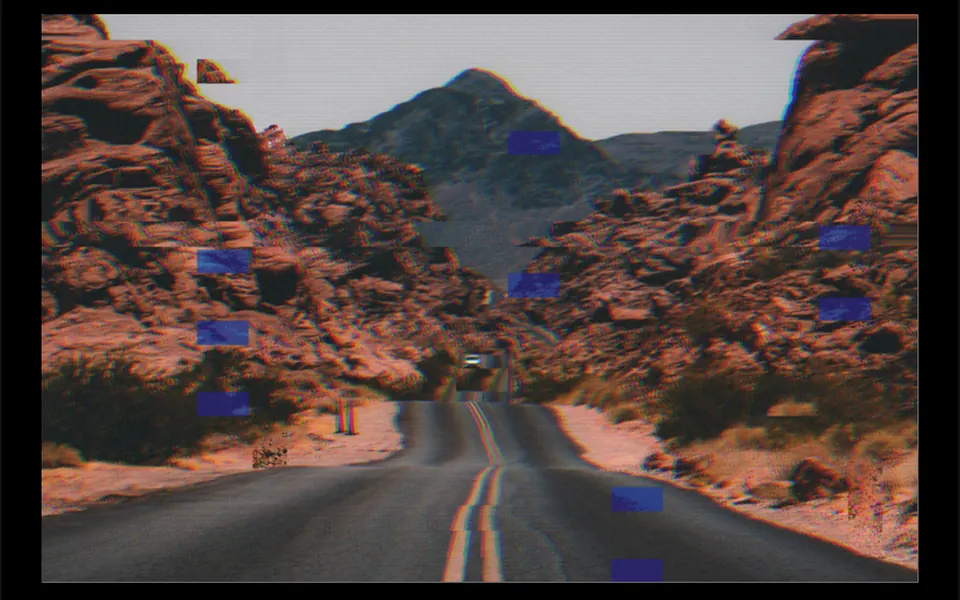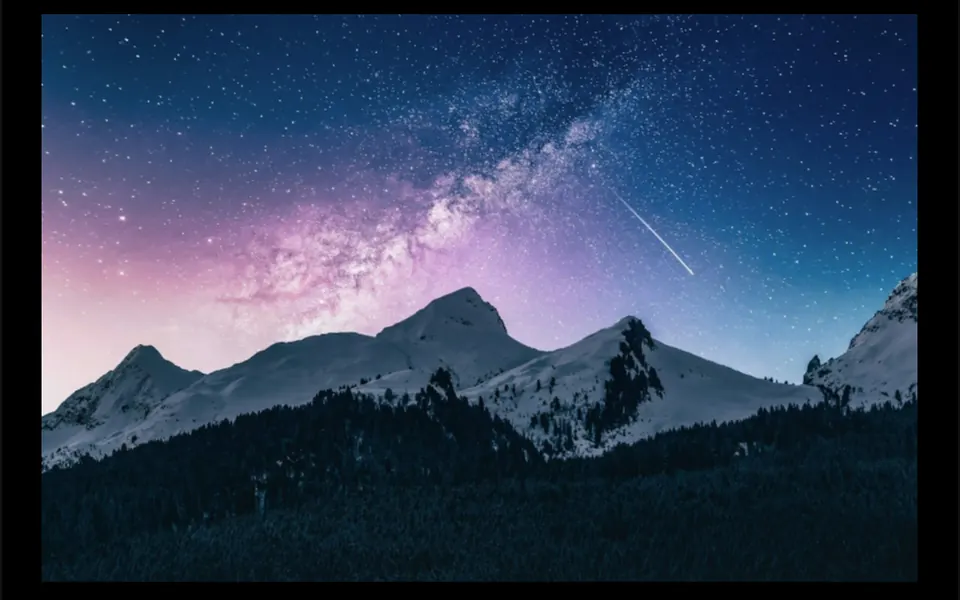
What it looks like
Picture a photo reflected in water that someone stirs with a hand. When the cursor enters, the first image stretches along a diagonal, ripples with an organic noise and blends into the second image in a little over a second, with a faint color fringe along the edges midway. When the cursor leaves, the effect runs backwards and the first photo returns. The same happens when a focusable element inside the component receives keyboard focus. Both images fill the area without stretching, and any content you place inside sits on top.
You may be looking for this if you asked for something like
- a photo that turns into another one when I hover, like it is melting
- a liquid effect when the card image changes on hover
- an image that distorts and reveals the after shot when the mouse enters
- portfolio cards that swap the picture with a fluid effect
- that agency-site hover where the image ripples and changes
- show before and after without a button, just by hovering
- make my project gallery look like an award-winning site
Also known as
- displacement hover
- image distortion hover
- WebGL image transition
- liquid hover effect
- displacement map transition
- image swap on hover
When to use
- Portfolio cards for studios, agencies or photographers
- A grid of case studies where each project has two images
- Before and after shots of a renovation, treatment or photo edit
- A product showcase that shows the item in use on hover
When to avoid
- Sites visited almost only on phones, where hover does not exist; use autoplay there
- Pages with dozens of cards, since each instance opens its own WebGL context
- Images from another domain without CORS enabled, which will not load as textures
How to ask your AI
Create a WebGL displacement hover transition for my portfolio cards: on hover, the photo warps like liquid and reveals a second image. I want an instant swap for reduced motion, rendering paused off screen and a static image as a fallback.
With THM Componentes, you paste the full prompt from the catalog, which already includes this component's source code, and the AI reproduces this exact effect instead of improvising.
Questions about Mergulho
Does Mergulho work on phones?
Touch screens have no hover, so Mergulho shows the second image while a finger is pressed on it and returns when the finger lifts. On phones, the autoplay prop alternates both images by itself at regular intervals. The effect needs WebGL, and the prompt tells your AI to provide a static fallback in Nuxt.
Can I change the images and direction in Mergulho?
Yes. Mergulho takes the starting image and the revealed one through the src1 and src2 props, and the displacement strength, angle, noise scale and duration are props too. Images must come from the same domain or with CORS enabled, as the prompt points out, because they become textures on the graphics card.
Does Mergulho respect reduced motion settings?
Yes. When the reduced motion preference is on, Mergulho swaps the images at once, without the animated warp, and still shows the second image on hover. The component also stops drawing when it leaves the screen, which spares the graphics card while people read other sections.