What it looks like
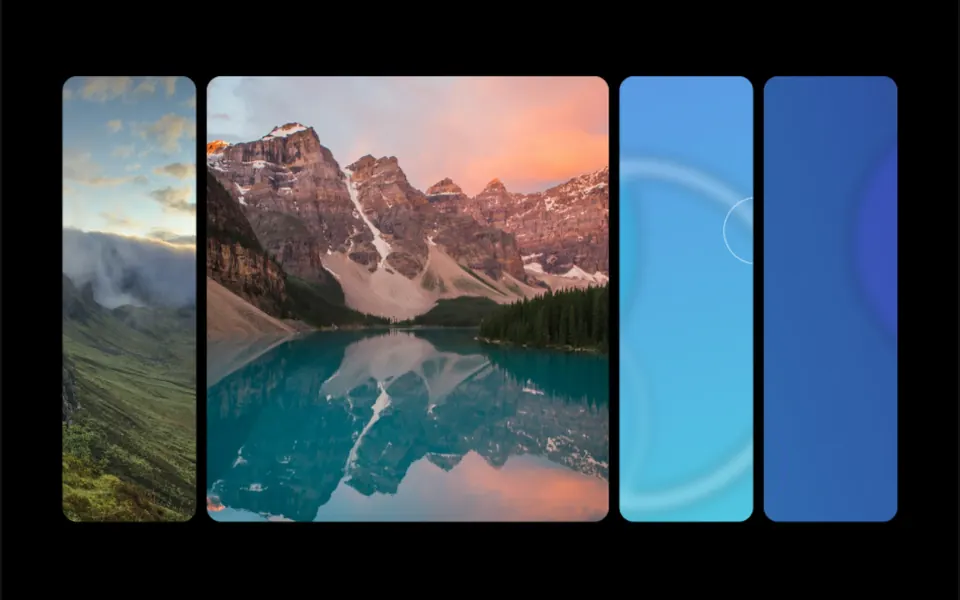
Picture a photographer scattering prints across a table while dragging a hand. Every stretch the mouse travels, a new photo with rounded corners, about 190 pixels wide, pops up where the cursor is, follows the movement for a split second and disappears while the next one lands on top. Images follow the order of the list and start over at the end. Depending on the variant, a photo grows from a point, turns in the direction of the gesture, or gets bigger, sharper and more colorful the faster the mouse moves. When the mouse stops, the trail fades.
You may be looking for this if you asked for something like
- photos that appear behind the mouse as I move it
- a trail of images following the cursor on my portfolio
- pictures popping up wherever the mouse goes
- a hover area that scatters my photos across the screen
- a playful way to show many photos at once on a landing page
- that effect where images pile up behind the cursor
Also known as
- image trail
- photos following the cursor
- cursor image trail
- mouse trail images
- photo trail effect
- hover image trail
When to use
- A photography or illustration portfolio
- A collection page for fashion, interiors or products
- A studio or agency hero with a short headline
- An event page that shows past editions in photos
When to avoid
- Over buttons, links or forms, since the trail layer sits on top and takes the mouse
- Pages where every photo needs context, captions or alt text
- Audiences that browse mostly on phones without a cursor
How to ask your AI
Create an image trail effect in the hero: as the mouse moves, photos from a list appear in sequence under the cursor and fade away. Use lightweight images, load it only in the browser, stop the animation loop when leaving the page and offer a static version for reduced motion.
With THM Componentes, you paste the full prompt from the catalog together with this component's code, and the AI reproduces this exact effect instead of improvising.
Questions about Alinhavo
How many photos does Alinhavo need?
Alinhavo takes the list of photos through the images prop and shows them in order, starting over at the end. The demo uses seven photos. Since each image shows at about 190 pixels wide, light, pre-cropped photos help keep loading fast.
Will Alinhavo slow down my site?
It depends on how you use it. Alinhavo is rated Medium in THM Componentes: it uses GSAP and an animation loop that runs every frame from the first movement, and the original code does not stop that loop when you leave the page. The prompt asks for on-demand loading and ClientOnly in Nuxt; ask for that cleanup too.
Does Alinhavo work on phones?
It works with a finger: Alinhavo also listens to dragging on the screen and drops photos along the way. Without a mouse, though, the effect only shows while someone drags across the area, which feels less natural than on a computer. For reduced motion, the THM Componentes prompt asks for a static version.