What it looks like
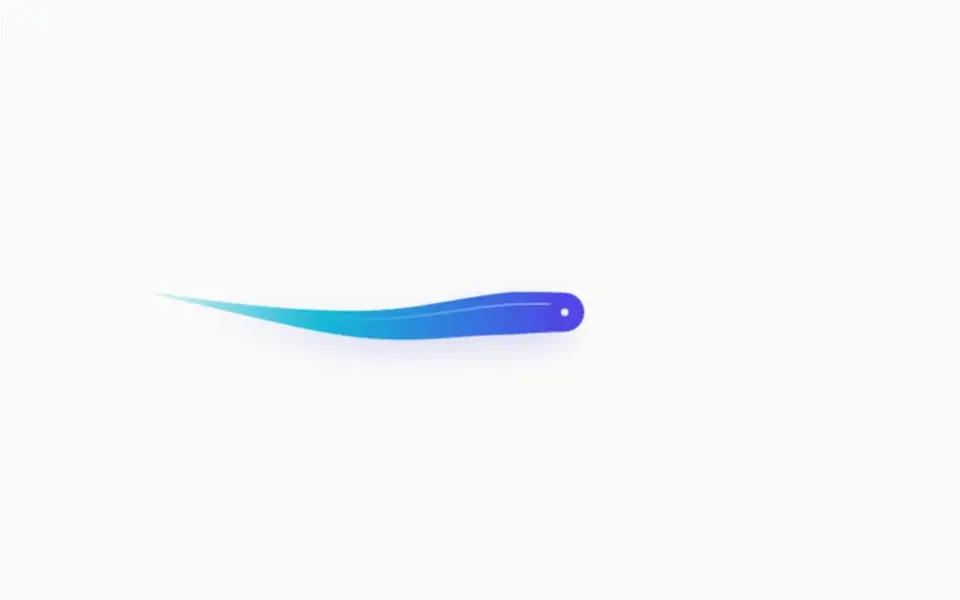
Think of rhythmic gymnastics ribbons tied to a fingertip. By default there are four wide ribbons, orange, green, yellow and cyan, side by side, following the cursor with a springy swing: they overshoot a little and come back. Each one has a slightly different spring, so they do not move as a block and spread apart in curves. The ribbons are thicker in the middle and thin at the ends, and they gather in when the cursor stops. Two options add a fading tail and a wave. The background is transparent, and the effect fills only the element it is placed in.
You may be looking for this if you asked for something like
- colorful ribbons following the mouse, like a gymnastics ribbon
- a thick colorful trail behind the cursor at the top of my site
- a streamer effect that follows a finger on mobile
- a multicolor cursor tail for an event website
- something eye-catching that reacts to the mouse on my portfolio
- a paint-like trail that follows the pointer and sways
Also known as
- ribbon cursor
- ribbon trail
- WebGL cursor trail
- cursor tail
- streamer cursor effect
- mouse ribbon effect
When to use
- Portfolios and immersive experiences that call for a bold effect
- The top of an event, festival or youthful, colorful brand page
- Short highlight areas, such as an interactive welcome section
When to avoid
- Pages that already run another WebGL effect
- Sober, long-reading or form pages, where the ribbons distract
- Audiences on older phones, since it is rated Heavy
How to ask your AI
Create a WebGL ribbon cursor trail in my portfolio hero: ribbons in my brand colors following the mouse and finger with spring physics, paused when off screen, loaded on demand and with a static version for reduced motion.
With THM Componentes, you paste the full prompt from the catalog together with this component's code, and the AI reproduces this exact effect instead of improvising.
Questions about Pipa
Does Pipa work on phones?
Yes. Pipa listens to touch and drag, so the ribbons follow a finger inside the component area. Because it uses WebGL and is rated Heavy in THM Componentes, the prompt tells your AI to load it on demand, wrap it in ClientOnly with a static fallback in Nuxt and compare LCP and INP on mobile.
How do I change the ribbon colors in Pipa?
Through the colors prop, which takes a list: Pipa creates one ribbon per color. The default has four colors, orange, green, yellow and cyan, and the demo uses a single white ribbon. Thickness, tail length, speed, fade and wave are props too, and the prompt asks for your project color tokens.
Does Pipa cover the whole page?
No. Pipa fills the element it is placed in and only reacts to the mouse inside it, with a transparent background. The original drawing loop never stops, which is why the THM Componentes prompt asks for at most one heavy WebGL effect per page and for pausing the animation outside the viewport.