What it looks like
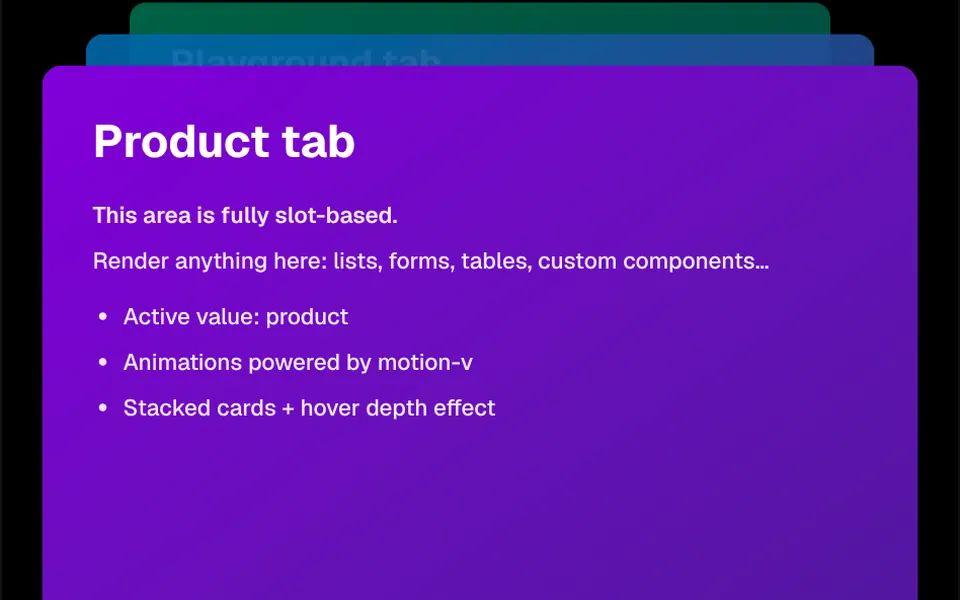
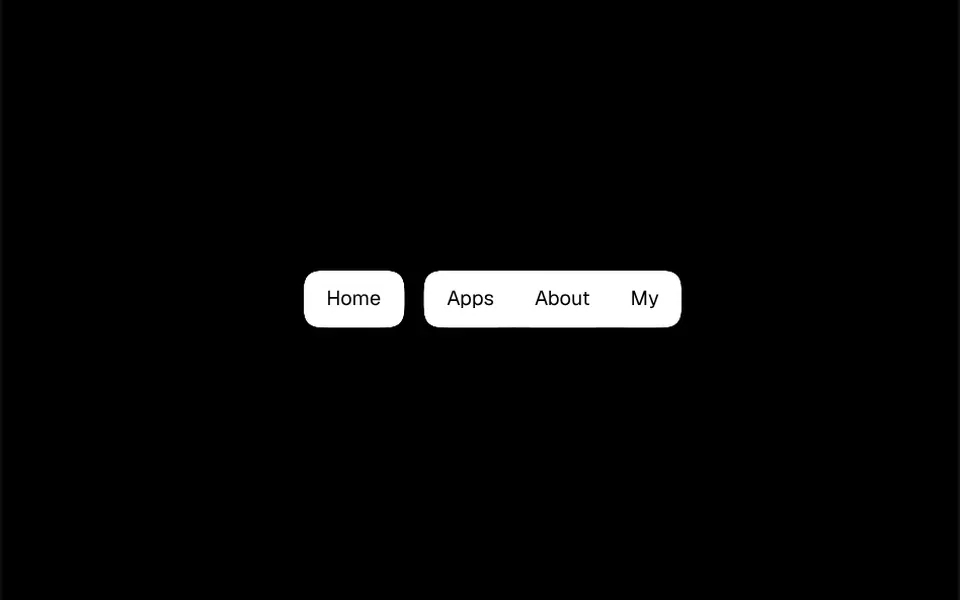
Think of drops of mercury touching on a table. The tabs sit side by side in the theme primary color, and a blur-and-contrast filter melts their edges together, so the row looks like one piece with rounded corners. When you pick a tab, it gains a 20-pixel margin on each side over half a second, and the liquid stretches until the drop pinches off from its neighbors; the previous tab merges back into the group. The labels stay crisp on top of the effect. How round the shapes look depends on the blur strength, which a prop controls.
You may be looking for this if you asked for something like
- tabs that stick together and split apart like liquid
- a tab menu with a droplet effect when I click
- a section switcher that is not the usual one, kind of gooey
- buttons side by side that merge into one shape and the selected one pops out
- gooey tabs for the top of my portfolio
- category navigation with a liquid animation
Also known as
- droplet tabs
- gooey tabs
- liquid tabs
- gooey effect
- metaball tabs
- liquid tab switcher
When to use
- Switching categories in a showcase, portfolio or menu
- A section selector on product landing pages with a strong identity
- Toggling between plans, periods or view modes
- Navigation for agency, studio or young brand sites
When to avoid
- Many tabs or long labels, which make the row too wide on phones
- Sober interfaces, such as finance dashboards, where the effect draws too much attention
How to ask your AI
Create gooey tabs to switch my portfolio categories: buttons fused like liquid where the active tab separates from its neighbors like a droplet, in my brand colors, with accessible tab roles, arrow key navigation and an instant switch for reduced motion.
With THM Componentes, you paste the full prompt from the catalog together with this component's code, and the AI reproduces this exact effect instead of improvising.
Questions about Arquipélago
Does Arquipélago work with the keyboard and screen readers?
Partly. Each tab in Arquipélago is a native button, so it takes focus with Tab and activates with Enter or Space. Tab roles and the selected state are not marked, and the highlight is only visual. Ask your AI to add role tab, aria-selected and arrow key navigation.
Can I change the colors and roundness of Arquipélago?
Yes. Arquipélago uses the theme primary and background colors, so it follows your project tokens and switches with light and dark mode when your theme defines them. Roundness comes from the blurStdDeviation prop, 6 by default, where higher values give softer shapes; the margin prop sets how far the active tab moves away.
Does Arquipélago work on phones?
Yes. The tabs in Arquipélago are regular buttons, so a tap works like a click, and the effect comes from an SVG filter the browser applies. On narrow screens, keep few tabs with short labels and test on simpler devices, since SVG blur filters can be demanding during the transition.