What it looks like
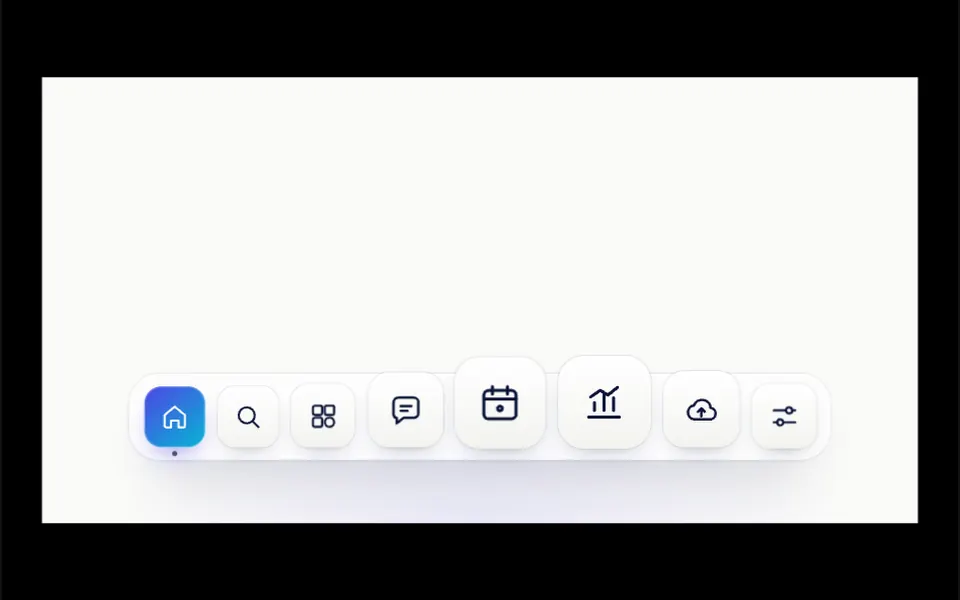
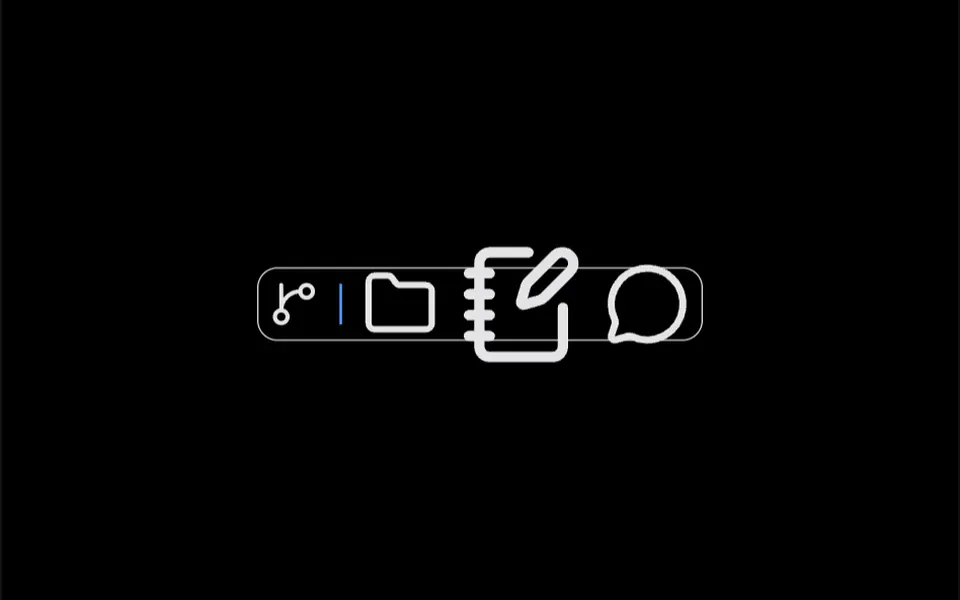
It recalls the Mac app bar, the one at the bottom of the screen. Icons sit on a strip with rounded corners, a thin border and a translucent background that blurs whatever is behind it. At rest each icon is 40 pixels; when the mouse passes, the closest icon grows up to 100 pixels and its neighbors grow less, by distance, up to 140 pixels from the center, creating a wave that follows the cursor. The size change takes 200 milliseconds with a soft ease-out. Thin separators split groups, and the bar can stand upright along the side. When the mouse leaves, everything returns to its starting size.
You may be looking for this if you asked for something like
- a menu with icons that grow when I hover
- an icon bar like the Mac one on my website
- portfolio shortcuts that get bigger near the cursor
- that macOS bar with the magnifying effect on icons
- a floating icon menu at the bottom of the page
- navigation with round icons that make a wave on hover
- make my social media links more fun
Also known as
- icon zoom bar
- macOS-style dock
- dock menu
- icon magnification
- magnifying dock
- app launcher bar
When to use
- Navigation for a personal or studio portfolio
- Fixed shortcuts to the main areas of a web app
- Social media and contact links in the footer
- A toolbar for an editor or dashboard with few icons
When to avoid
- Menus with many items or no labels, where an icon alone does not say where it leads
- Sites used mostly on phones, where there is no cursor to magnify the icons
How to ask your AI
Create a macOS-style dock fixed at the bottom of my portfolio: round icons that grow as the mouse gets closer, an accessible label on each link, visible keyboard focus, normal size on phones and a version without magnification for reduced motion.
With THM Componentes, you paste the full prompt from the catalog together with this component's code, and the AI reproduces this exact effect instead of improvising.
Questions about Passarela
Does Passarela work on phones?
It works as a regular bar. Passarela magnifies icons based on mouse movement, so on touch screens they stay at their 40-pixel resting size, and the links you place inside remain tappable. On phones, keep a comfortable touch area and clear labels.
Can I use Passarela vertically, along the side of the page?
Yes. With orientation set to vertical, Passarela stacks the icons in a 58-pixel-wide column and magnifies them by the vertical mouse position. One caveat: the math compares the mouse position on the page with the icon position on screen, so on a scrolled page the magnification drifts; ask your AI to use clientY instead of pageY.
Is Passarela accessible by keyboard?
Passarela itself does not handle it: each icon is a box without focus, and magnification only responds to the mouse. If you place links or buttons inside each DockIcon, they get focus normally; ask your AI for an aria-label on each one and a visible focus style, since the icon alone does not say where it leads.