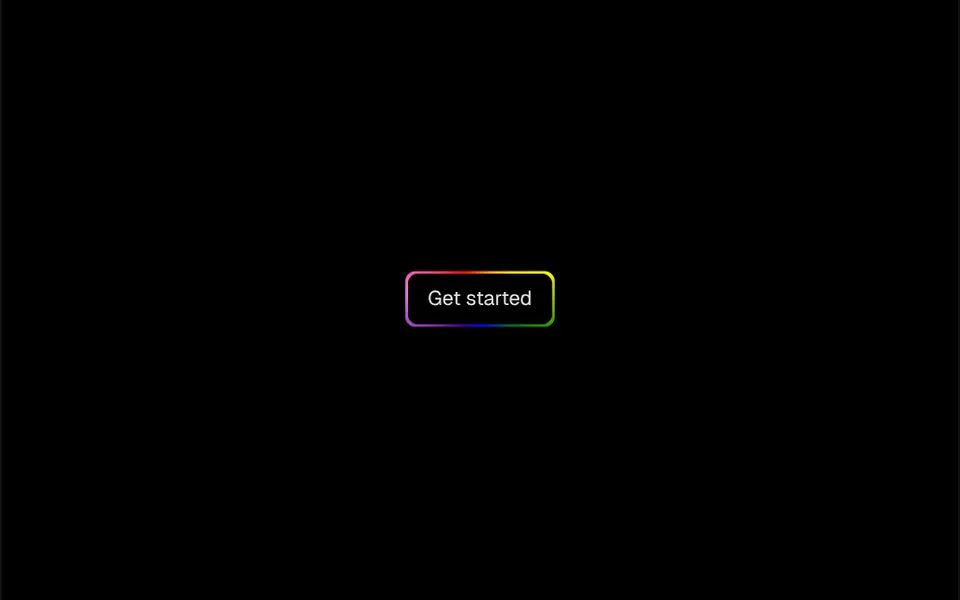
What it looks like
Imagine a lighthouse beam passing along the edge of a polished stone. The button is pill-shaped, with a black background, white text and an almost transparent white border. A blurred beam of white light spins and slides from side to side, back and forth every 3 seconds, and only shows in a thin strip along the edge, like a reflection running around the outline. Inside, a soft glow sits at the bottom and gets stronger on hover; on click, the button drops one pixel, like a key.
You may be looking for this if you asked for something like
- a button with a shine sweeping across it
- a black button with light running around the border
- a subscribe button that looks premium and stands out
- a sliding reflection effect on my booking button
- a pill button with an animated glowing outline
- that dark button with a spinning light you see on SaaS sites
- a call to action that shines without loud colors
Also known as
- light beam CTA
- shine button
- shimmering border button
- glowing edge button
- animated border shine
- light sweep button
When to use
- An offer, subscription or free trial button on a SaaS landing page
- Booking a demo, appointment or meeting
- Dark heroes that need a subtle black and white highlight
- One call to action per section, near the price
When to avoid
- Black backgrounds with no visible outline, where the button almost disappears
- Dark mode without changes: the default text turns black on the black background
How to ask your AI
Create a pill button with a shimmering edge: a beam of light runs along the border nonstop and an inner glow grows on hover. Use my brand colors for the background and the shine, keep text contrast in light and dark mode and stop the beam for people who prefer reduced motion.
With THM Componentes, you paste the full prompt from the catalog together with this component's code, and the AI reproduces this exact effect instead of improvising.
Questions about Lampejo
Can I change the colors of Lampejo?
Yes. Lampejo takes the light color through the shimmerColor prop, the background through background, the corners through borderRadius, the beam thickness through shimmerSize and the duration through shimmerDuration. The default is white light on a black pill with a 3 second cycle.
Does Lampejo work in dark mode?
With one adjustment. Lampejo's background comes from the background prop and does not change with the theme, but the default text turns black in dark mode, which disappears on the black background. The demo fixes this with white text in the content. The THM Componentes prompt tells your AI to use your project color tokens.
Does Lampejo respect reduced motion settings?
In its original version, Lampejo always animates. The THM Componentes prompt asks your AI for a static version for people who turn on reduced motion: pause the two CSS animations of the beam and keep the outline and the inner glow, which already finish the button.