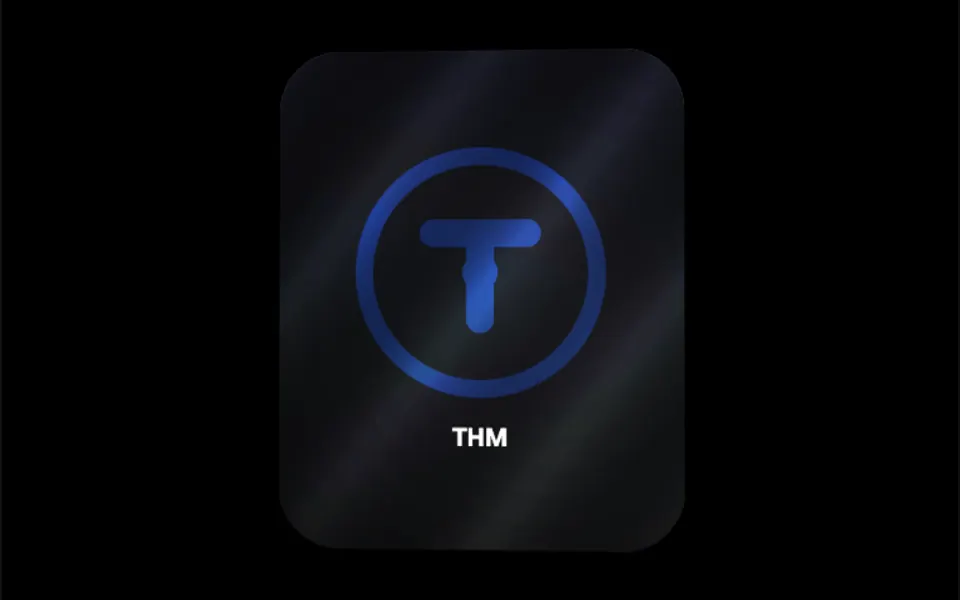
What it looks like
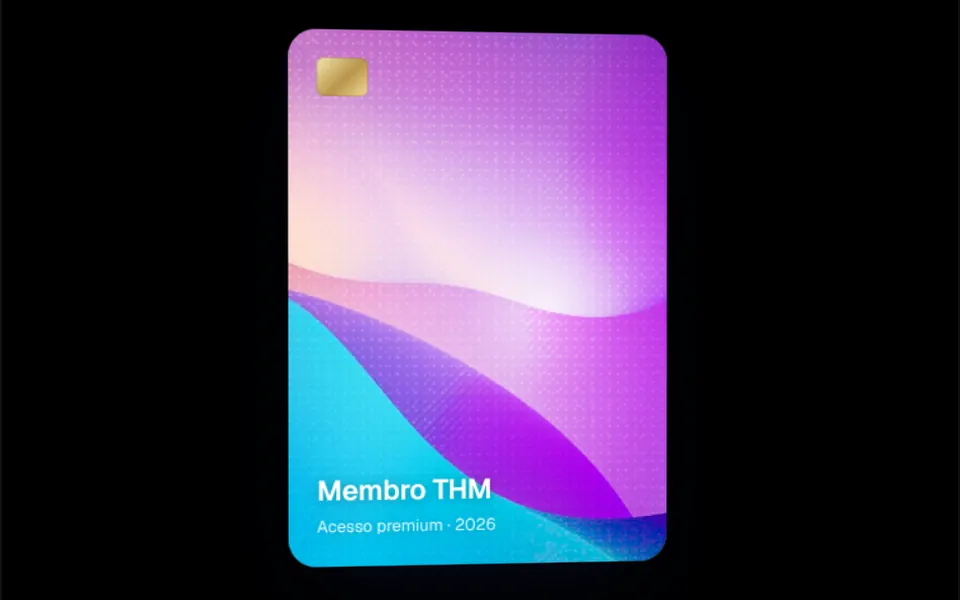
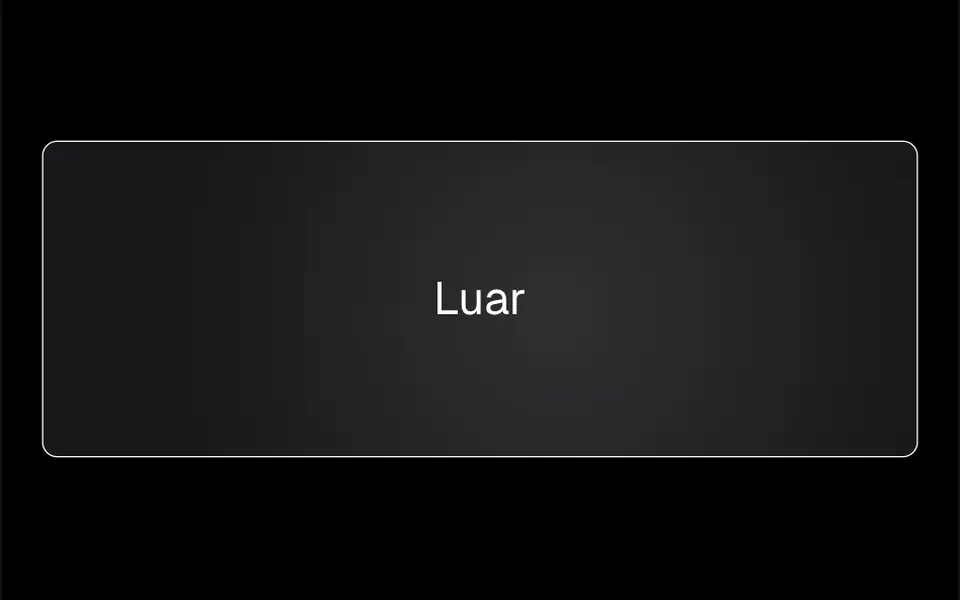
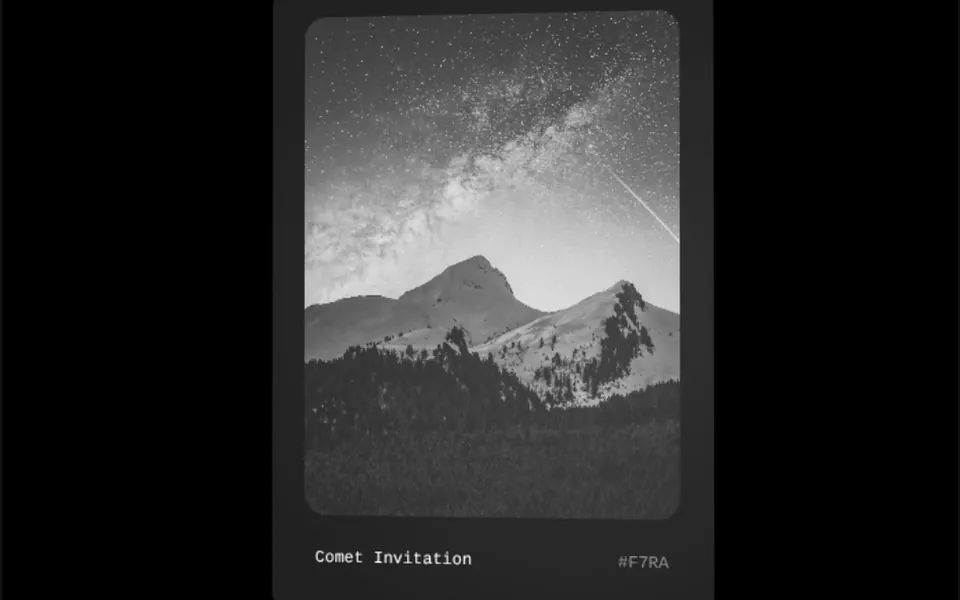
It recalls the hologram on a credit card or a shiny trading card. At rest it is a dark, almost black card with generously rounded corners, in a 17 by 21 ratio and 320 pixels wide. When the cursor enters, two layers appear on top: a soft white light centered on the pointer and a metallic sheen with rainbow bands and diagonal stripes that slide as the mouse moves. The card tilts a few degrees along with the mouse, and when the cursor leaves, the light fades and the card straightens.
You may be looking for this if you asked for something like
- a card with a hologram shine when I hover over it
- a metallic credit card effect that reflects the light
- a dark card with a light glare following the cursor
- that card glare effect from the Linear website
- a premium membership card that shines like a holographic sticker
- a certificate or member card with a rainbow reflection
- make the top pricing plan look like a black card
Also known as
- hologram sticker effect
- holographic card
- foil card effect
- shine card
- card glare effect
- rainbow foil shine
- metallic card
When to use
- Membership, subscription or early access cards
- Certificates, badges or achievements on a course platform
- Highlighting the premium plan in a pricing table
- Collections of digital cards, tickets or stickers
When to avoid
- Text-heavy cards, since the shine layers run across the reading area
- Screens with many cards side by side, where the effect loses its punch
- Mobile-first use, where the shine depends on hover
How to ask your AI
Create a card with a holographic glare effect: on hover, a white light follows the cursor and a rainbow metallic sheen appears on top, with a slight 3D tilt. Use my brand colors for the card background, keep the text readable and turn the effect off for people who prefer reduced motion.
With THM Componentes, you paste the full prompt from the catalog together with this component's code, and the AI reproduces this exact effect instead of improvising.
Questions about Paetê
Will Paetê slow down my site?
Usually not. Paetê uses gradients, CSS blend modes and a small pointer position calculation, with no WebGL, and it is rated Light in THM Componentes. Blend modes ask more of the graphics card than a plain card, so compare INP before and after on pages with several cards.
Can I put a photo or logo in Paetê?
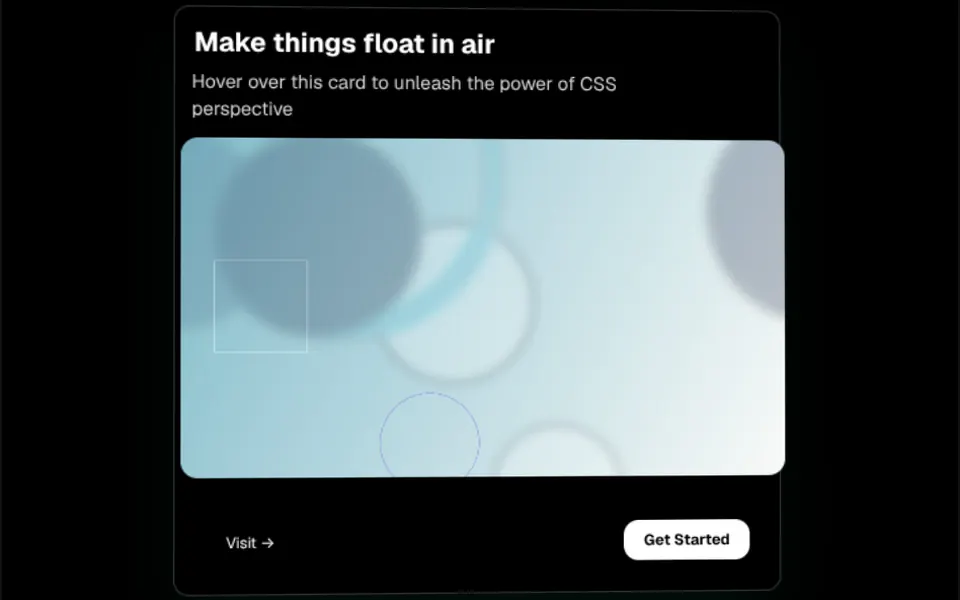
Yes. Anything you place inside Paetê shows under the shine layers: a logo, a photo filling the whole card or a title with text, as the demos show. The default background is almost black and can be changed with a class, and the THM Componentes prompt tells your AI to use your project colors.
Does Paetê work on phones?
Paetê was made for the mouse: the shine and the tilt depend on a pointer moving over it. On phones, the effect depends on how each browser handles touch, and the card may show no shine at all. The THM Componentes prompt asks for mobile testing; for a shine that moves by itself, ask your AI for a light animation.