What it looks like
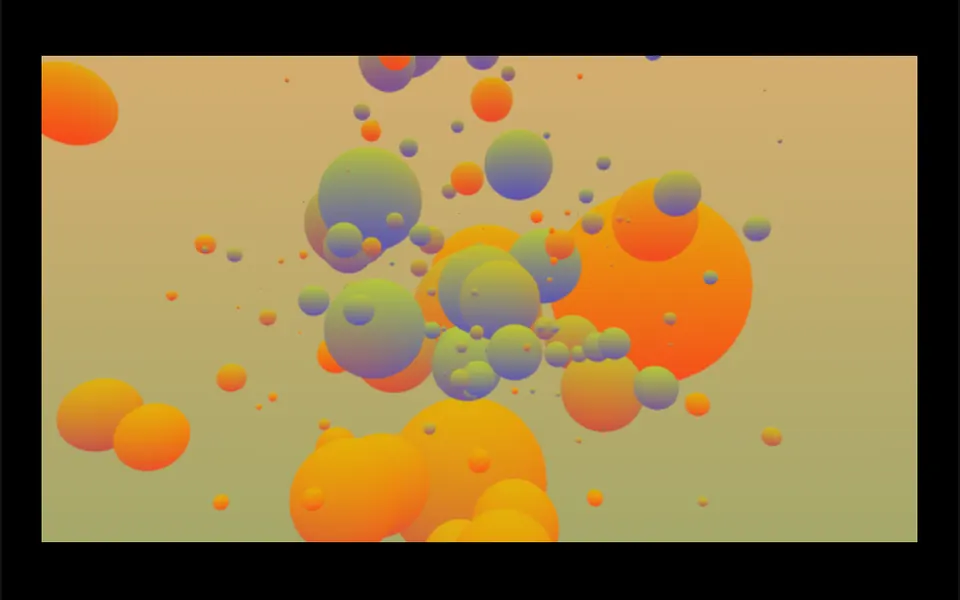
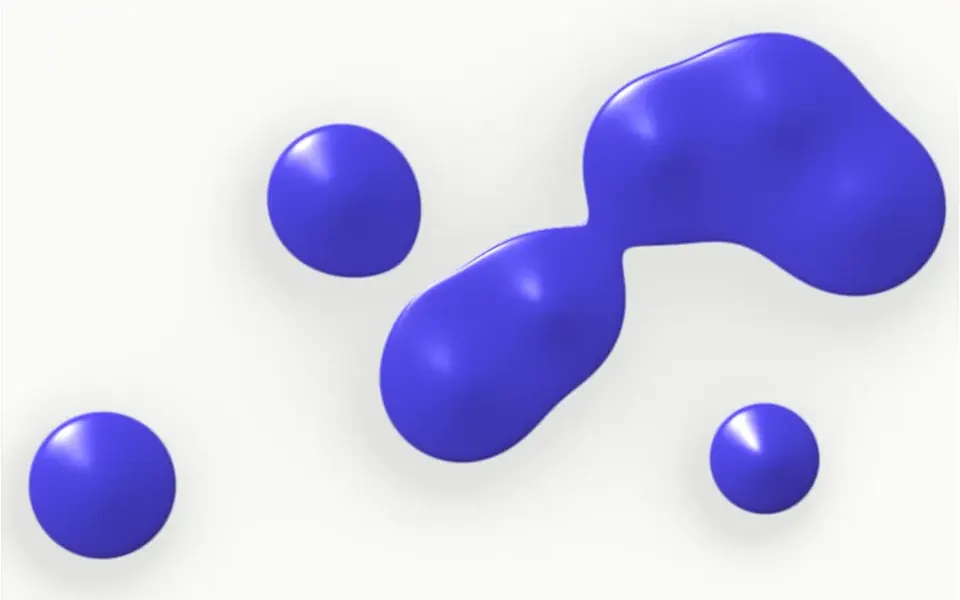
It looks like a handful of matte rubber balls and rounded cubes under studio light. On load, the pieces fall in from every side and pack into a ball that turns slowly, like a lazy whirlpool. Most are white or light gray, about 30% are indigo and cyan and a few are navy. When the mouse passes, an invisible finger pushes a hole through the cluster, and the pieces settle by rolling over each other. A click scatters everything and attraction gathers it again. Soft shadows fall between the pieces and on the floor, over an off-white background.
You may be looking for this if you asked for something like
- a bunch of 3D balls that move away when I hover
- a cluster of spheres and cubes that scatters when I click
- something playful but classy for the top of a tech site
- colorful balls with physics that react to the cursor, like a toy
- a 3D hero with matte pieces and soft shadows, studio style
- balls pushing each other around for my services page
- a 3D ball pit that moves with the cursor
Also known as
- 3D cluster
- physics cluster
- instanced mesh
- spheres with physics
- 3D ball pit
- interactive 3D shapes
When to use
- A digital product or tech brand hero with a playful tone
- A services or features section that needs a visual break
- A presentation opener or launch page with little text
- A design or motion studio portfolio
When to avoid
- Old phones: collision physics and shadows are demanding
- Serious pages, such as healthcare or legal, where a toy-like tone clashes
- Screens that already run another heavy WebGL effect
How to ask your AI
Create a Three.js 3D cluster of spheres and rounded cubes in the hero with attraction and collision physics: the cursor opens a path and a click scatters the pieces. Use my brand colors for the accents, drop shadows on slow devices and show a still frame for reduced motion.
With THM Componentes, you paste the full prompt from the catalog, which already includes this component's source code, and the AI reproduces this exact effect instead of improvising.
Questions about Pipoca
Is Pipoca heavy on phones?
It is rated Heavy in THM Componentes, but it adapts: Pipoca lowers resolution and turns off shadows when frames drop, caps pixel density at 2x and pauses off screen or when the tab is hidden. On weak devices, lowering the count prop, which accepts 8 to 400 pieces, eases the physics.
Can I use my brand colors in Pipoca?
Yes. Pipoca has props for the light base color, two accent colors and the background, plus the share of colored pieces and the material roughness. The THM Componentes prompt tells your AI to replace those values with your project color tokens.
How does Pipoca handle reduced motion?
When the system asks for less motion, Pipoca solves the packing in one go and shows the cluster at rest, already settled. The cursor and clicks no longer move the pieces, so the scene becomes a still 3D image with the same lighting and shadows.