What it looks like
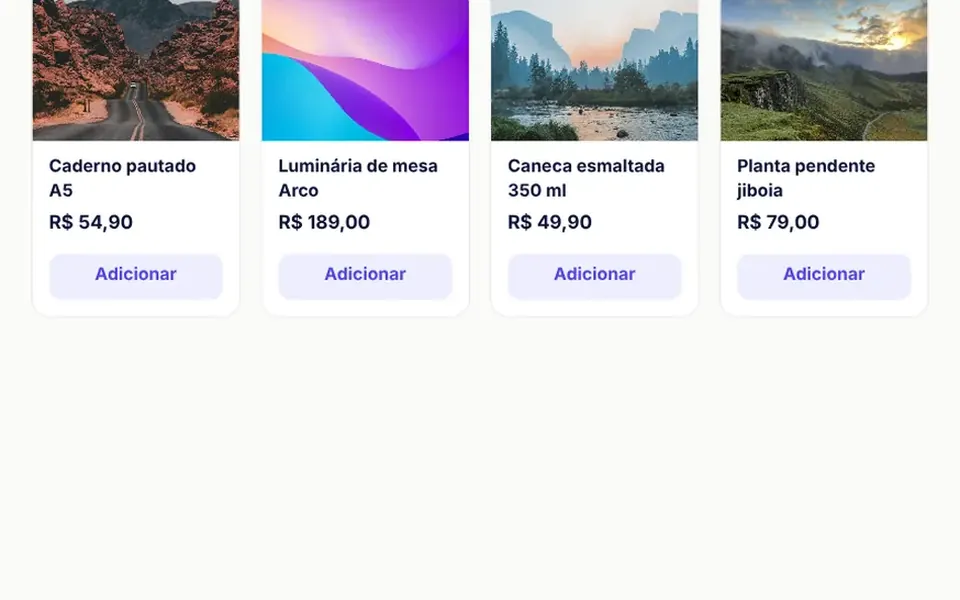
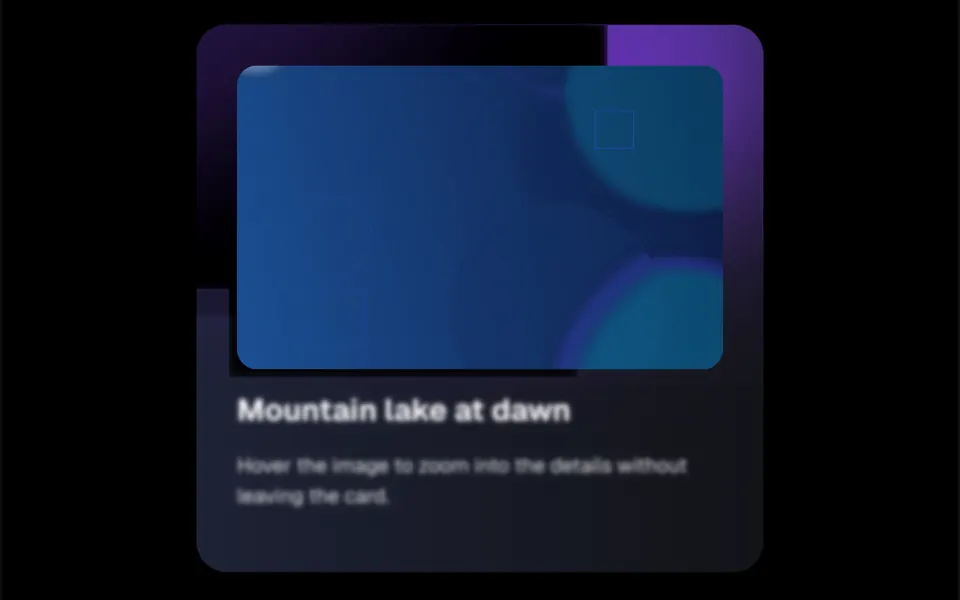
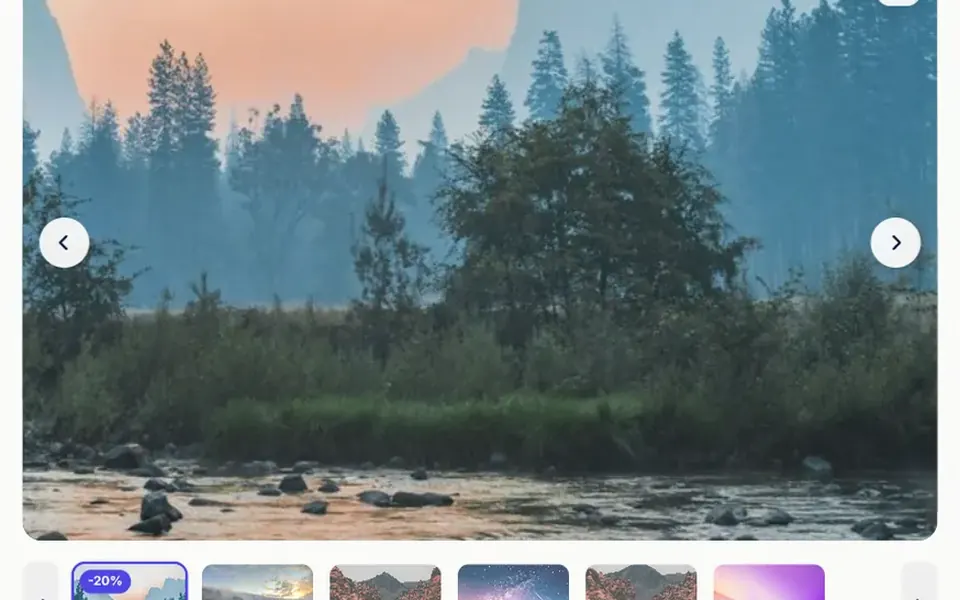
It looks like a big online store's product gallery. The main photo fills the frame with rounded corners, a discount badge at the top left and a counter like 3 / 6 at the bottom right. On hover, a white frame follows the cursor and a floating panel on the right shows that area enlarged, like a magnifying glass; when space is short, the photo itself zooms in place. Round white arrows switch images, and a strip of thumbnails below marks the current one with a colored border. On phones you can pinch and double tap to zoom. A button opens the photo fullscreen over a navy background.
You may be looking for this if you asked for something like
- a product photo that zooms in when I hover
- a magnifier on the product image like big stores have
- a gallery with thumbnails under the main product photo
- pinch to zoom on product photos on mobile
- open the product photo in fullscreen
- show a discount badge on top of the product photo
- make my store product page look professional
- let shoppers see the fabric or finish up close
Also known as
- product gallery
- product image zoom
- image magnifier
- hover zoom
- lightbox
- thumbnail gallery
- zoom lens
When to use
- Ecommerce product pages with several photos per item
- Fashion, furniture and decor catalogs where the finish sells
- Photography or architecture portfolios that need close-up zoom
- Stores visited mostly on phones, with pinch and double tap to zoom
When to avoid
- Low resolution photos, which turn blurry when enlarged
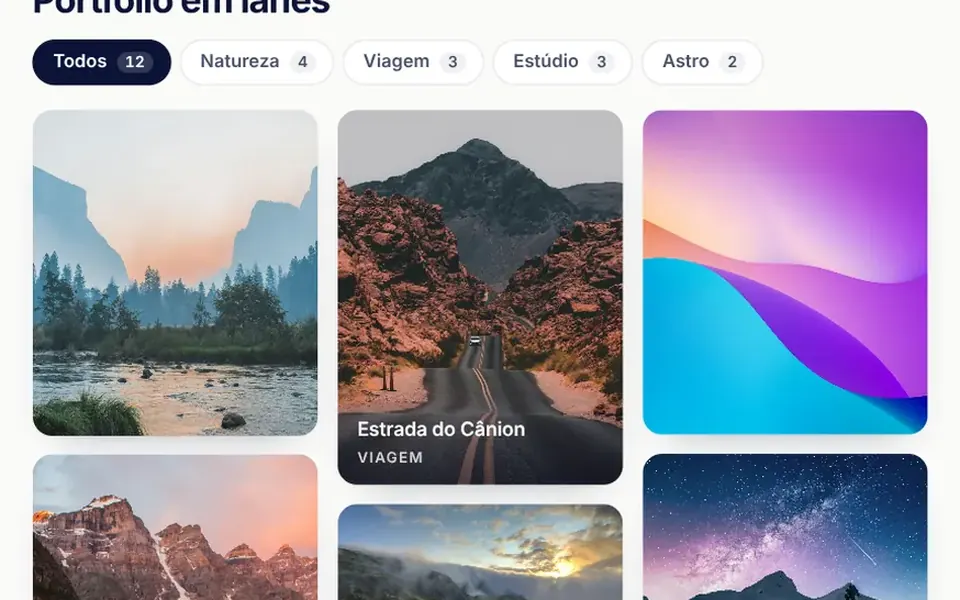
- Galleries with dozens of images, where a grid or masonry layout organizes them better
- English interfaces as is, since the accessible labels and hints are in Portuguese
How to ask your AI
Build a product page gallery with a magnifier that follows the mouse and a zoomed panel, pinch zoom and double tap on phones, thumbnails with arrows, a fullscreen view with zoom, discount badges and keyboard navigation with arrows and Enter.
With THM Componentes, you paste the full prompt from the catalog, which already includes this component's source code, and the AI reproduces this exact effect instead of improvising.
Questions about Mostruário
Does Mostruário's magnifier work on phones?
On phones, Mostruário swaps the magnifier for gestures: pinching zooms up to 4 times, anchored between the fingers, one finger drags the enlarged image and a double tap toggles between 1 and 2.5 times at the tapped point. Since the main photo captures these gestures, page scrolling does not start on top of it.
How do I change the photos and badges in Mostruário?
Pass the images prop with src, alt and an optional badge per image, such as a discount. Mostruário uses the alt text in the labels of the photo and its thumbnail, accepts v-model:index to sync with a color or size picker and emits events when the image changes, zooms or opens fullscreen.
Does Mostruário work with a keyboard and screen readers?
Yes. In Mostruário, the main photo takes focus and announces its position and description; arrow keys switch images and Enter or Space opens fullscreen, a native dialog that closes with Esc and also responds to the arrows. Thumbnails are options in a list, with the current one marked.