What it looks like
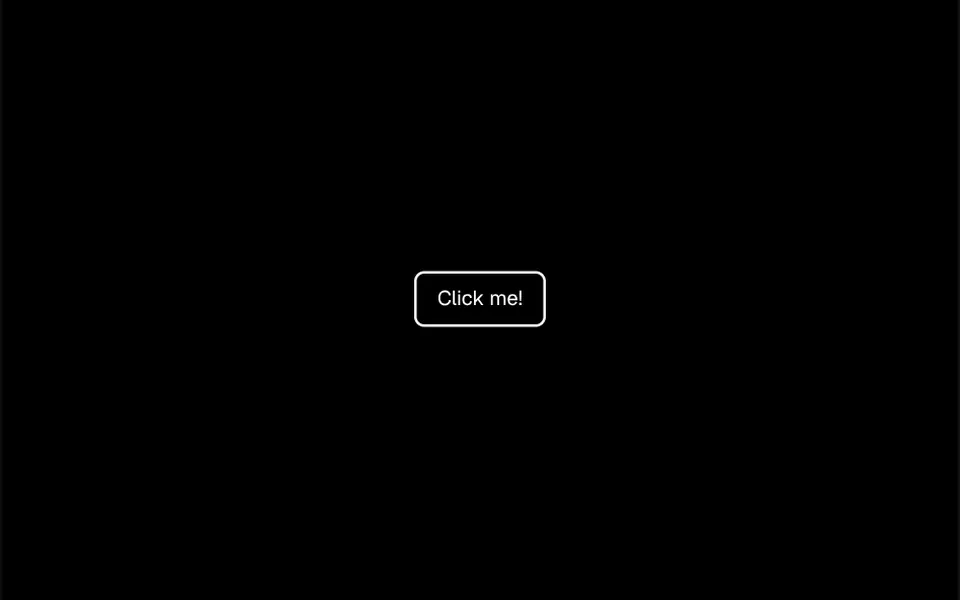
It recalls a stone dropped into a pond, only inside the button. At rest it is a simple button with rounded corners, a 2 pixel border, the theme background color and text in the primary color. With every click or tap, a light blue circle appears exactly where the finger or mouse landed, grows past the edges and fades out, slowing down at the end, over 0.6 seconds. The button edges clip the ripple, and quick clicks create overlapping ripples.
You may be looking for this if you asked for something like
- a button that ripples when I click it
- a tap effect on buttons like a phone app
- a button with a circle spreading out from the click
- visual feedback when someone presses the submit button
- that Android-style click effect on my website
- a form button that shows the click went through
Also known as
- click wave effect
- ripple effect
- click ripple
- button ripple animation
- tap ripple effect
- ink ripple
When to use
- Submit, save and confirm buttons in forms
- Apps and dashboards where people need to feel the click registered
- Touch-first interfaces such as PWAs and mobile views
- Repeated actions like add to cart or like
When to avoid
- Highlight buttons that must draw attention before the click, since the ripple only shows after it
- Brands with their own palette, unless you replace the default light blue ripple
How to ask your AI
Create a button with a ripple effect: on every click or tap, a circle starts at the exact point and spreads out until it fades. Use my brand color for the ripple, center it when the click comes from the keyboard and turn the animation off for people who prefer reduced motion.
With THM Componentes, you paste the full prompt from the catalog together with this component's code, and the AI reproduces this exact effect instead of improvising.
Questions about Respingo
Can I change the color and speed of Respingo?
Yes. Respingo has two props: rippleColor sets the ripple color, light blue by default, and duration sets the length in milliseconds, 600 by default. The background and text use your project theme colors, so the button follows light and dark mode.
Does Respingo work with the keyboard?
It works as a button: Respingo uses the native button element, takes focus and fires the click with Enter or Space. The ripple, however, starts at the pointer coordinates, which do not point at the button on a keyboard press, so it may not show. Ask your AI to center the ripple in that case.
Will Respingo slow down my site?
No. Respingo creates a small circle per click, animates it with CSS and removes it when the duration ends, with no animation loop running all the time. It is rated Light in THM Componentes. For reduced motion, the THM Componentes prompt asks for a static version; here, it can be a slight color change on click.